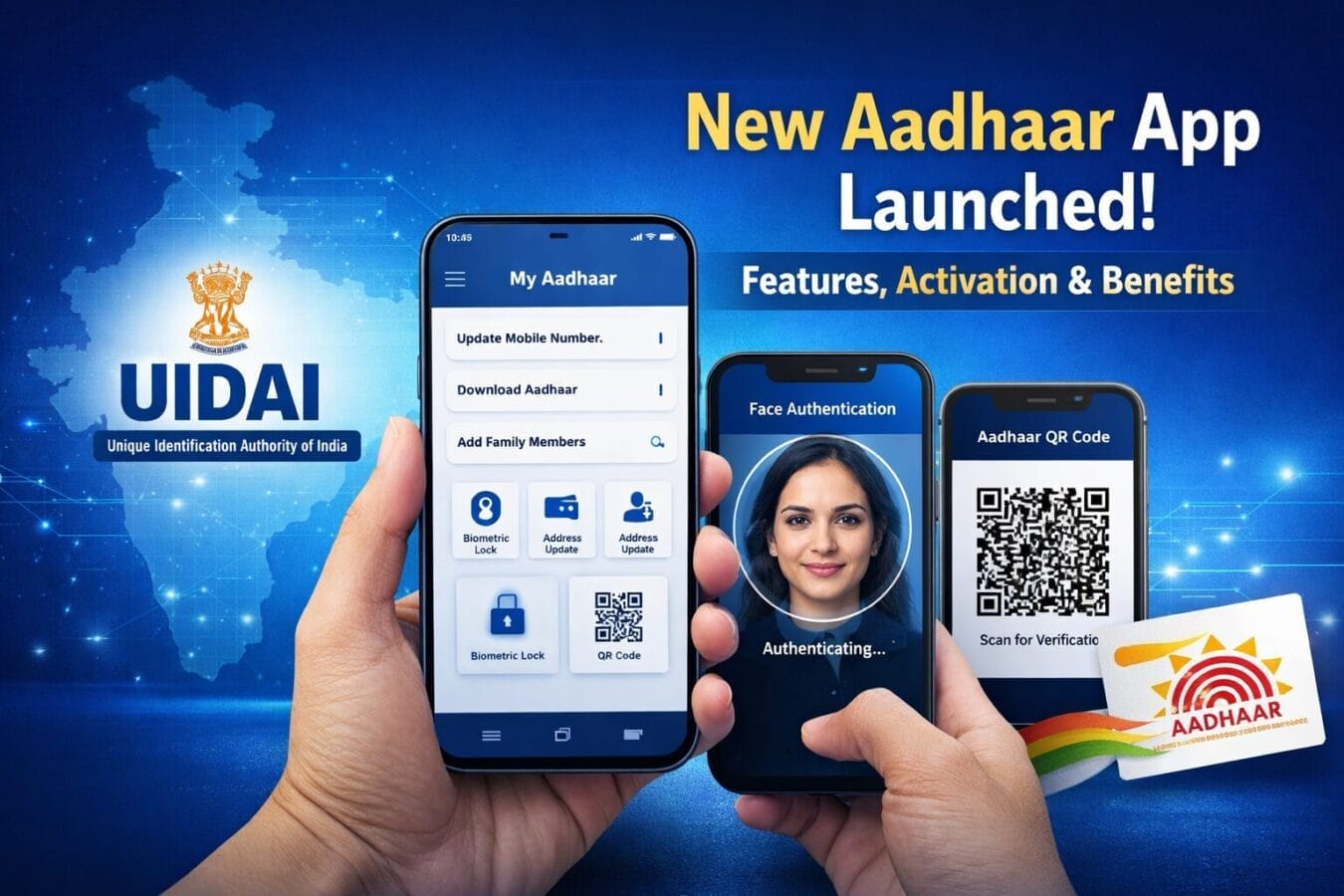
The Unique Identification Authority of India (UIDAI) has officially rolled out the full-fledged version of its new Aadhaar app, making it easier than ever for citizens to manage their Aadhaar details directly from their smartphones. The app is now available for download on both the Google Play Store (Android) and the App Store (iPhone).
While the Aadhaar app was first announced in November 2025, its earlier version offered limited functionality. With this latest update, UIDAI has unlocked all major features, aligning with its “Mobile First” strategy to bring Aadhaar services closer to millions of smartphone users across India.
What Is the New Aadhaar App All About?
The new Aadhaar app is designed as a secure digital hub for Aadhaar-related services. Instead of visiting enrolment centres for small changes or carrying photocopies, users can now store, update, verify, and share Aadhaar information digitally.
According to UIDAI, the app focuses on privacy, user control, and convenience, ensuring that Aadhaar data is shared only when required—and only to the extent the user allows.
How to Activate the New Aadhaar App (Step-by-Step)
Activating the Aadhaar app is a simple process and takes just a few minutes after installation:
Download and install the Aadhaar app from the Google Play Store or Apple App Store.
On opening the app, a 3-step registration page appears. Tap on “Enter your Aadhaar number.”
Enter and confirm your Aadhaar number.
Select the Aadhaar-linked mobile number when prompted.
A face authentication screen opens—tap on “Start Face Authentication.”
Blink your eyes during face authentication to authorise and complete the setup.
Once verified, your Aadhaar profile becomes active inside the app.
Top Features of the New Aadhaar App
1. Control What Information You Share
Users can now select exactly which Aadhaar details to share, including:
Photo
Name
Date of birth
Age status
Gender
Mobile number
Address
You can share any single detail or all details, depending on the requirement—giving users full control over their data.
2. Download Aadhaar (Masked or Unmasked)
The app allows users to download Aadhaar digitally in both:
This is useful for verification, documentation, or official purposes.
3. Biometric Locking for Extra Security
For added safety, users can lock or unlock their Aadhaar biometrics directly from the app. This helps prevent misuse of biometric data and adds an extra security layer.
4. Manage Family Members’ Aadhaar
The app supports multi-profile management, allowing users to:
This feature is especially helpful for parents and caregivers managing Aadhaar for children or elderly family members.
5. Update Mobile Number and Address
A dedicated section in the app lets users update their Aadhaar-linked mobile number and address without visiting a physical centre, making routine updates far more convenient.
6. QR Code-Based Contact Sharing
Users can share Aadhaar contact details via a QR code by tapping the “Share Contact” option. This enables quick and secure offline verification when needed.
Why This Update Matters
The full launch of the Aadhaar app marks a significant step in India’s digital governance journey. By shifting key Aadhaar services to mobile, UIDAI is reducing dependency on physical documents, improving privacy controls, and saving users time.
With features like face authentication, selective data sharing, and family profile management, the app is clearly built for real-world use—especially for users who frequently need Aadhaar verification.
Check why CKYC matters and how to download CKYC card ?
Bottom Line
If you rely on Aadhaar for everyday services, the new Aadhaar app is worth installing. It’s secure, practical, and finally delivers on the promise of Aadhaar on your phone—fully in your control.
Lastly, citizens can also check their previous Aadhaar authentication history directly within the app, helping them track when and where their Aadhaar was used. UIDAI has also confirmed that the new Aadhaar app supports 13 Indian languages, making it more accessible for users across different regions of the country.