
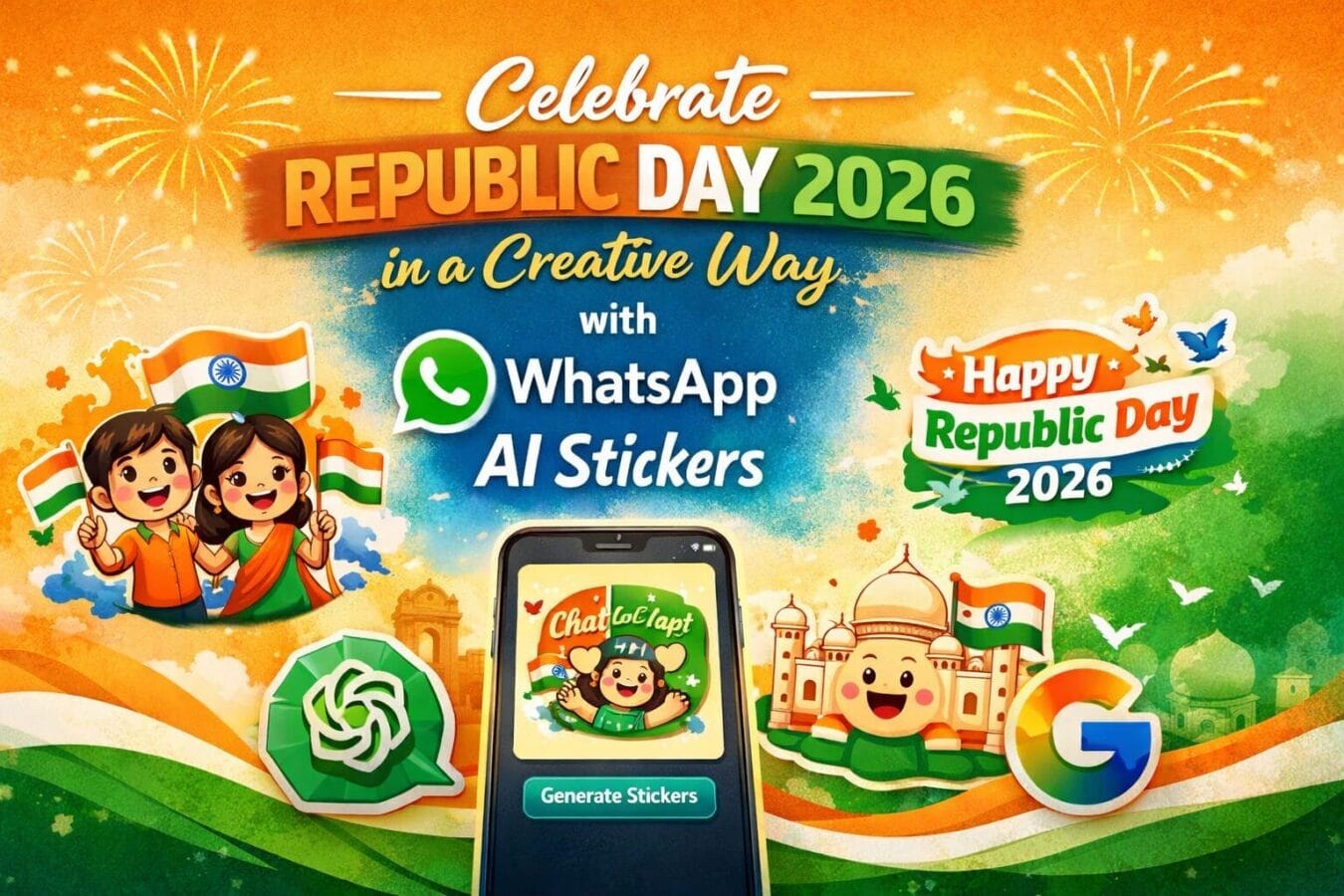
Republic Day is not just a date on the calendar—it’s a celebration of India’s pride, unity, and democratic spirit. As Republic Day 2026 approaches, many of us will send wishes to friends, family, and colleagues. But instead of forwarding the same old images that flood WhatsApp every year, there’s a much more creative option this time.
With WhatsApp AI Stickers, you can design personalised Republic Day stickers that reflect your mood, message, and creativity. Whether you want a patriotic sticker featuring the Indian tricolour, a playful cartoon-style design, or a clean and classy “Happy Republic Day 2026” message, WhatsApp’s AI can turn your idea into a shareable sticker within seconds.
This AI-powered feature transforms simple text prompts into unique stickers, making your Republic Day greetings feel thoughtful, festive, and truly personal.
Table of Contents
How to Create and Share AI Stickers for Republic Day 2026 on WhatsApp
If you want your Republic Day wishes to stand out in 2026, WhatsApp’s AI sticker feature is an easy and fun tool to use. The process is simple, even if you’re trying it for the first time.
Before you start, make sure your WhatsApp app is updated to the latest version on your Android or iOS device.
Step-by-Step Guide
Open WhatsApp on your smartphone and ensure you’re logged in.
Open the chat where you want to send your Republic Day sticker.
Tap the emoji icon inside the message box at the bottom.
Switch to the stickers tab by tapping the square-shaped sticker icon.
Tap the Create or plus (+) button. In some versions, this may appear as AI Stickers.
Enter a short text prompt describing your sticker idea.
You can try prompts like:“Republic Day 2026 sticker with Indian flag”
“Happy Republic Day 2026 text in tricolour colours”
“Cartoon-style Republic Day celebration sticker”
Wait a few seconds while WhatsApp generates multiple AI-based sticker options.
Browse through the results, select the sticker you like, and tap to send it instantly.
That’s it—your custom Republic Day 2026 sticker is ready to spread patriotic vibes 🇮🇳
Save, Reuse, or Report AI Stickers
One of the best things about WhatsApp AI stickers is that you can save them for later use. Once created, your stickers can be reused, resent, or even edited in future chats.
Since the stickers are generated using artificial intelligence, some designs may not always look perfect. If you come across a sticker that feels inaccurate or inappropriate, WhatsApp also gives you the option to report it directly from the app, helping improve the feature over time.
Prefer Ready-Made Republic Day Stickers?
If you don’t feel like creating your own stickers, WhatsApp hasn’t forgotten about you. The sticker store already includes patriotic and Republic Day-themed sticker packs.
You can find them by:
Going to the All Stickers section
Browsing through festive or India-themed packs
Adding your favourite sticker pack with just one tap
These ready-made options are perfect if you want quick greetings without any customisation.
Final Thoughts
Republic Day 2026 is the perfect occasion to move beyond routine forwards and express your patriotism in a more personal way. WhatsApp’s AI sticker feature makes it incredibly easy to turn your thoughts into creative visuals—no design skills needed.
Whether you create a custom AI sticker or choose a ready-made patriotic pack, your Republic Day wishes will feel more meaningful, modern, and memorable this year.
Frequently Asked Questions (FAQs)
What are WhatsApp AI stickers?
WhatsApp AI stickers are custom stickers created using artificial intelligence. You simply type a text prompt, and WhatsApp generates unique stickers based on your description, which you can instantly share in chats.
Can I create Republic Day 2026 stickers on WhatsApp?
Yes, whatsapp introduces meta ai-generated custom republic day 2026 stickers, you can create Republic Day 2026 stickers using WhatsApp’s AI sticker feature. By entering prompts like “Happy Republic Day 2026” or “Indian tricolour Republic Day sticker,” WhatsApp will generate multiple sticker options for you.
Is the AI sticker feature available on both Android and iPhone?
Yes, WhatsApp AI stickers are available on both Android and iOS devices. However, you must update the app to the latest version to access this feature.
Do I need any design skills to make AI stickers on WhatsApp?
No design skills are required. WhatsApp’s AI handles the entire process. All you need to do is describe what you want, and the app will create stickers for you automatically.
Can I save and reuse AI-generated stickers?
Yes, once you create an AI sticker, you can save it to your sticker collection. Saved stickers can be reused, resent, or shared in other chats anytime.
Are WhatsApp AI stickers free to use?
Yes, WhatsApp’s AI sticker feature is completely free. You can create and share as many stickers as you like without any extra charges.
What if an AI sticker looks incorrect or inappropriate?
If an AI-generated sticker doesn’t look right or feels inappropriate, WhatsApp allows you to report it directly from the app. This helps improve the quality of AI-generated content.
Does WhatsApp offer ready-made Republic Day sticker packs?
Yes, WhatsApp also provides ready-made patriotic and Republic Day-themed sticker packs. You can find them in the sticker store and add them to your collection with a single tap.
Trending

Ayush Singhal is the founder and chief editor of TechMitra.in — a tech hub dedicated to simplifying gadgets, AI tools, and smart innovations for everyday users. With over 15 years of business experience, a Bachelor of Computer Applications (BCA) degree, and 5 years of hands-on experience running an electronics retail shop, Ayush brings real-world gadget knowledge and a genuine passion for emerging technology.
At TechMitra, he covers everything from AI breakthroughs and gadget reviews to app guides, mobile tips, and digital how-tos. His goal is simple — to make tech easy, useful, and enjoyable for everyone. When he’s not testing the latest devices or exploring AI trends, Ayush spends his time crafting tutorials that help readers make smarter digital choices.
📍 Based in Lucknow, India
💡 Focus Areas: Tech News • AI Tools • Gadgets • Digital How-Tos
📧 Contact: Get in touch →
🔗 Full Bio: https://techmitra.in/about-us/