

If you’ve read our 30 best Gemini AI saree prompts guide, you already know that the right prompt is the difference between a flawless AI transformation and one that looks obviously fake, distorts your face, or gets the drape completely wrong.
But 30 fixed prompts can only take you so far. What if you want a saree look but for a baby girl instead of an adult? What if you want a Radha Rani-inspired devotional portrait instead of a fashion shot? Or a couple’s photo in matching traditional outfits, styled for Onam instead of a wedding?
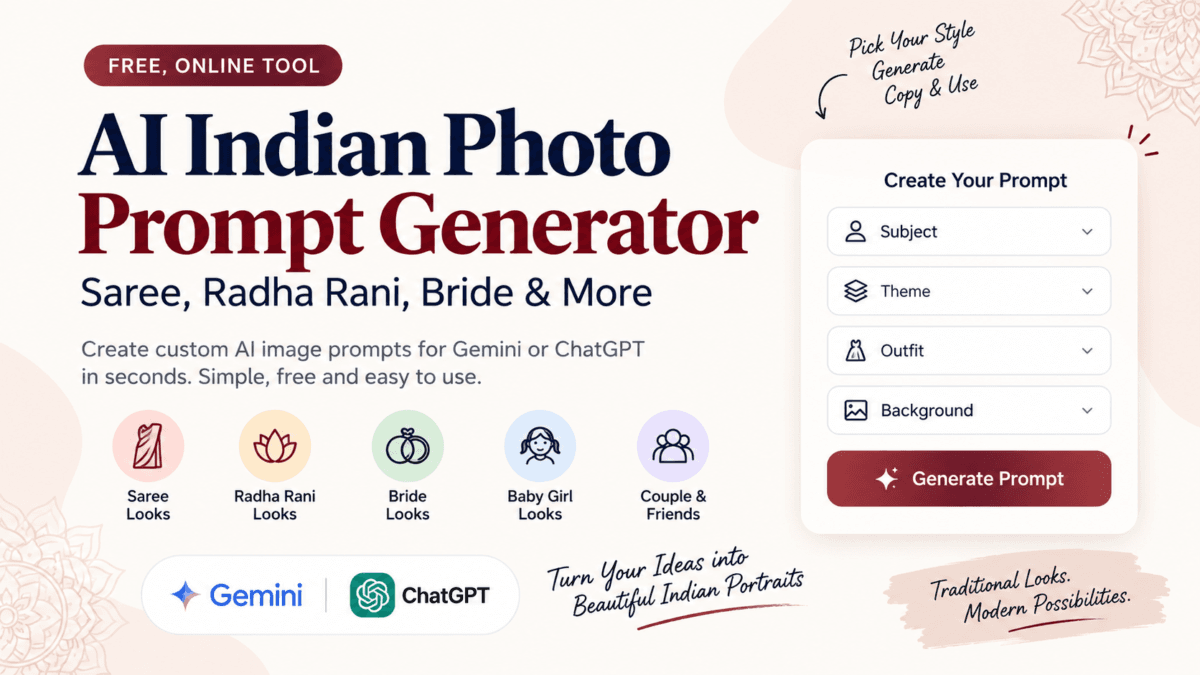
That’s why we built the AI Saree Photo Prompt Generator below — a free interactive tool that mixes and matches the same building blocks our saree prompts are made from, across subjects, themes, outfits, and settings, and gives you a ready-to-paste prompt for Gemini or ChatGPT in seconds.
Use Our AI Saree Photo Prompt Generator
Pick your subject, theme, outfit, pose, style, and background below. Copy your prompt when you’re done — no login, no signup.
AI Saree & Indian Photo Prompt Generator
Choose your details to create a natural, ready-to-use prompt for Gemini, ChatGPT, or another AI image generator.
Only use photos you own or have explicit permission to use. Never upload photos of a child other than your own, and never use this tool without the consent of the person shown.
Suitable for Gemini, ChatGPT and other AI image generators.
Why We Built This
Our saree prompts guide covers 30 specific looks well, if one of them happens to match what you have in mind. But most real requests are combinations that don't exist in any fixed list: a bride's Banarasi look with a garden background, a baby girl in a festive lehenga for Diwali, two friends in coordinated traditional outfits for a Onam photo.
Instead of writing hundreds of individual prompts to cover every combination, the AI Indian Photo Prompt Generator assembles one for you on the spot — built from the same structure our original saree prompts use:
[Subject] + [Theme] + [Outfit] + [Pose] + [Style] + [Background] + [Identity-preservation instructions]You pick each part from simple dropdowns, and the tool writes a clean, structured prompt you can copy straight into Gemini or ChatGPT.
What You Can Build
The generator covers seven subjects and eight themes, and each combination pulls from a context-aware set of outfits, poses, styles, and backgrounds — so a bride sees bridal-appropriate options, and a baby girl sees age-appropriate ones, rather than one generic list for everyone.
Subjects — woman, girl, baby girl, bride, two friends, couple, or a custom subject you describe yourself.
Themes — traditional Indian, wedding, festive, royal, vintage, Radha Rani (devotional), or a custom theme you describe yourself.
Outfit — silk, Banarasi, Kanjeevaram, Pattu, Dola silk, chiffon, georgette, lehenga, half saree, and more, depending on the subject and theme selected.
Pose, style, and background — from mirror selfies and traditional portraits to aesthetic, cinematic, royal, or vintage styling, set against temples, palaces, gardens, wedding venues, or a background you describe yourself.
AI tool — Gemini or ChatGPT, since the two tools respond slightly differently to prompt phrasing.
As you select options, the prompt builds live, always anchored to the same identity-preservation language our original guide recommends — keeping the uploaded photo's face, features, and skin tone intact rather than letting the AI model reinterpret them.
Two Ways to Use It
Quick generator — pick from the dropdowns and tap Generate. Best when you know roughly what you want and just need the wording done for you.
Describe your own — type a free-text description of the image you want, and the tool wraps it in the same identity-preservation and quality instructions automatically. Best for anything the dropdowns don't cover.
Both modes include a note reminding you to only use photos you own or have explicit permission to use.
A Note on Respectful Use
A few of the options in this tool — particularly the Radha Rani theme and the baby girl subject — cover deeply normal and common parts of Indian culture: festival dress-up, devotional photography, family portraits. We've deliberately kept these two options separate from each other in the tool. This isn't a comment on the cultural practice itself; it's specific to the fact that this tool performs AI identity-preserving regeneration on an uploaded photo, which is a different thing from a real photograph of a child in costume. Only upload photos of your own children, and only with their wellbeing in mind.
How to Use It
- Choose Quick generator or Describe your own at the top of the tool.
- Select your subject, theme, outfit, pose, style, and background — or type your own description.
- Choose Gemini or ChatGPT depending on which AI tool you're using.
- Tap Generate prompt.
- Tap Copy, then paste it into your AI tool right after uploading your reference photo.
Frequently Asked Questions
Can I use this generator for ChatGPT as well as Gemini?
Yes. Select your preferred AI tool from the dropdown before generating — the underlying prompt structure works for both, though Gemini and ChatGPT sometimes respond slightly differently to the same wording.
Will the AI keep my face the same?
The generator automatically includes identity-preservation language — instructing the AI to keep facial features, hairstyle, and skin tone as close to the original photo as possible. Results still depend on the AI tool and the quality of your uploaded photo.
Can I request a look that isn't in the dropdowns?
Yes — switch to Describe your own mode and type what you want. The tool wraps your description with the same quality and identity-preservation instructions used in the Quick generator.
Is it safe to upload my photos?
Only upload photos you own or have explicit permission to use, and only through the official Gemini or ChatGPT apps. Avoid uploading sensitive or private imagery, and never upload a photo of a child other than your own.
Looking for ready-made saree prompts instead of building your own? See the full 30 best Gemini AI saree prompts guide for 30 tested, copy-paste prompts across classic, fusion, and social media aesthetics.

Ayush Singhal is the founder and chief editor of TechMitra.in — a tech hub dedicated to simplifying gadgets, AI tools, and smart innovations for everyday users. With over 15 years of business experience, a Bachelor of Computer Applications (BCA) degree, and 5 years of hands-on experience running an electronics retail shop, Ayush brings real-world gadget knowledge and a genuine passion for emerging technology.
At TechMitra, he covers everything from AI breakthroughs and gadget reviews to app guides, mobile tips, and digital how-tos. His goal is simple — to make tech easy, useful, and enjoyable for everyone. When he’s not testing the latest devices or exploring AI trends, Ayush spends his time crafting tutorials that help readers make smarter digital choices.
📍 Based in Lucknow, India
💡 Focus Areas: Tech News • AI Tools • Gadgets • Digital How-Tos
📧 Contact: Get in touch →
🔗 Full Bio: https://techmitra.in/about-us/