

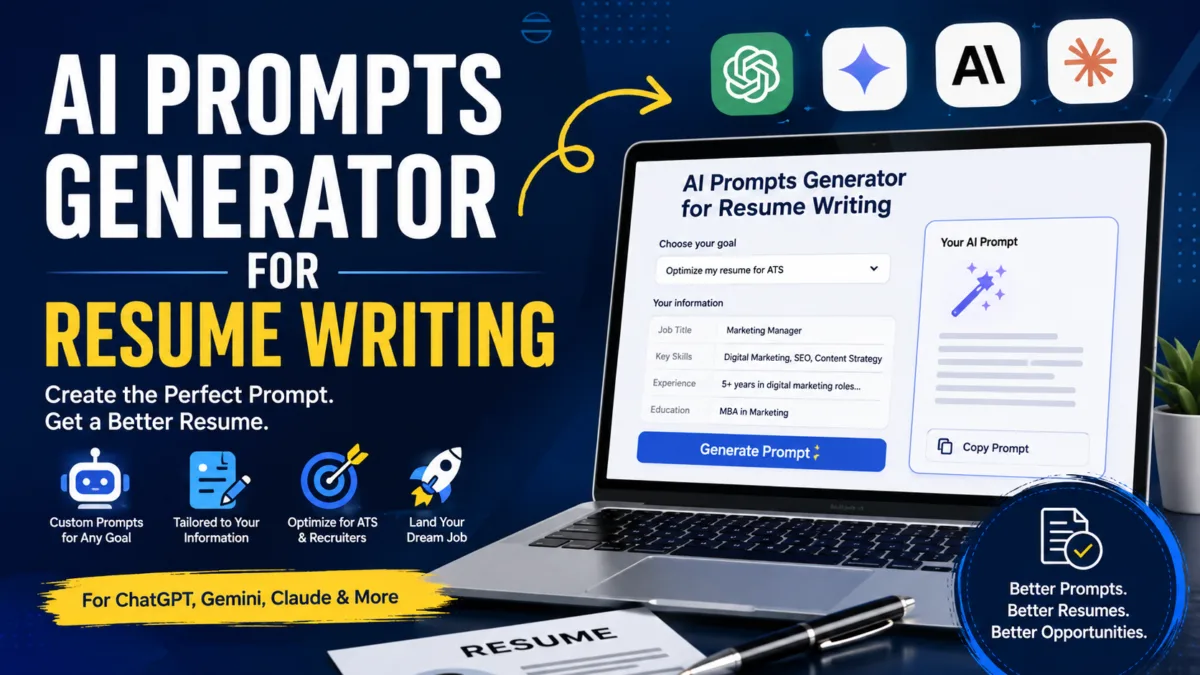
New here? Filling in a resume prompt shouldn’t mean hunting through brackets like [Job Title] and [X years] and hoping you didn’t miss one. This tool does that part for you.
Just tell it what you need — a resume from scratch, an update to an old one, tailoring for a specific job, or an ATS check — answer a few short questions about yourself, and it builds a complete, ready-to-paste ChatGPT prompt with your actual details already in place. No editing required.
It works as an AI prompts generator for resume writing in general, not just one task: 25 resume situations are covered, from writing a professional summary to explaining a career change to reviewing your final draft for red flags. Every generated prompt also includes built-in instructions telling the AI not to invent numbers, employers, or skills you didn’t provide — so what comes back is something you can actually stand behind in an interview.
Paste the result into ChatGPT, Gemini, or Claude. None of your information is sent anywhere or stored — everything runs in your browser.
This tool is completely free, and it works with the free versions of ChatGPT, Gemini, and Claude — no paid subscription needed to build a complete, professional resume.
FAQ
Is this an AI prompt generator, or does it use AI to write my resume?
It’s a prompt generator — it builds a ready-to-use ChatGPT prompt from your details using a fixed template, instantly, in your browser. It doesn’t call an AI itself. You take the generated prompt and paste it into ChatGPT, Gemini, or Claude to get your actual resume content.
Is this free to use?
Yes. This tool is 100% free, and it’s built to work with the free tier of ChatGPT, Gemini, or Claude — you don’t need a paid AI subscription to generate a complete resume. Just pick whichever one you already use, paste the generated prompt, and you’re done at no cost.
Can I use this to update an old resume, not just create a new one?
Yes. Choose any option under “Improve My Resume” — for example, “Rewrite Experience Bullets” or “Make Resume Tone More Natural” — and paste in the bullet or section you want updated. You’ll get a prompt built specifically for editing existing content, not just writing from scratch.
What’s the best ChatGPT prompt for resume optimization?
It depends on what “optimization” means for you. For keyword and ATS optimization, use “Find Missing Job Keywords & Optimize for ATS” — it compares your resume against a job description and lists what’s missing. For a full quality check, use “Final Resume Review,” which scores readability, impact, and ATS-friendliness together.
Do I need to paste my whole resume every time?
No. Only tasks that specifically compare or edit an existing resume (like tailoring or ATS optimization) ask for it. Tasks like writing a single bullet point or a professional summary only ask for the details relevant to that task.
Is my resume data saved or sent anywhere?
No. Every prompt is generated locally in your browser. Nothing you type is stored, logged, or sent to a server.
Which AI should I paste the generated prompt into?
ChatGPT tends to be strongest for structure and STAR-format bullets. Gemini is useful if you also want to research a company or role. Claude tends to produce the most natural, least “robotic” tone. All three accept the same generated prompt.
Will the AI make up achievements or numbers I didn’t give it?
Every generated prompt includes an explicit instruction not to invent employers, dates, skills, or metrics. If you leave a field blank, the AI is told to flag it as missing rather than guess — but you should still fact-check the final output before using it.

Ayush Singhal is the founder and chief editor of TechMitra.in — a tech hub dedicated to simplifying gadgets, AI tools, and smart innovations for everyday users. With over 15 years of business experience, a Bachelor of Computer Applications (BCA) degree, and 5 years of hands-on experience running an electronics retail shop, Ayush brings real-world gadget knowledge and a genuine passion for emerging technology.
At TechMitra, he covers everything from AI breakthroughs and gadget reviews to app guides, mobile tips, and digital how-tos. His goal is simple — to make tech easy, useful, and enjoyable for everyone. When he’s not testing the latest devices or exploring AI trends, Ayush spends his time crafting tutorials that help readers make smarter digital choices.
📍 Based in Lucknow, India
💡 Focus Areas: Tech News • AI Tools • Gadgets • Digital How-Tos
📧 Contact: Get in touch →
🔗 Full Bio: https://techmitra.in/about-us/