
Nano Banana 2 Launched: Google’s Faster Gemini 3.1 Flash AI Image Generator Explained
Google is once again pushing the boundaries of AI creativity.
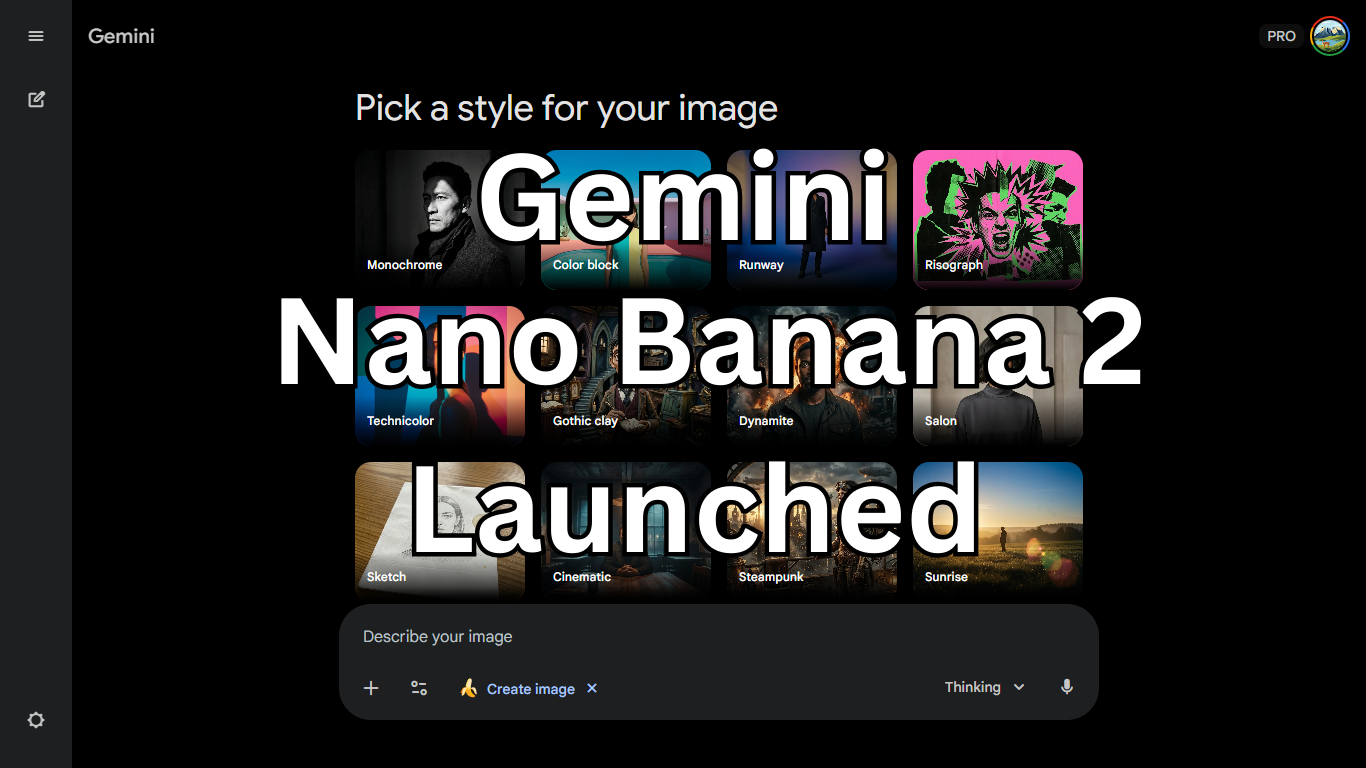
After introducing Nano Banana in August last year and later upgrading it to a powerful Pro variant, the tech giant has now launched Nano Banana 2 — a faster, smarter, and more accessible AI image generation model powered by Gemini 3.1 Flash.
If you’ve been following Google’s AI evolution, this move feels strategic. Instead of separating speed and quality into different versions, Google is now combining Pro-level image quality with Flash-level speed.
Let’s break down everything you need to know.
According to Google Blog “Nano Banana 2: Combining Pro capabilities with lightning-fast speed“
Table of Contents
Also Read : 30 Best Prompts for Gemini AI Saree Look: The Ultimate 2026 Guide
A Quick Recap: From Nano Banana to Pro
Back in August, Google launched Nano Banana, also known as the Gemini 2.5 Flash Image AI model. At the time, Google highlighted three major strengths:
- Faster image generation
- Improved element-based editing
- Better character consistency
Then in November 2025, the company rolled out Nano Banana Pro, powered by Gemini 3 Pro. This upgrade brought:
- 4K resolution image generation
- State-of-the-art (SOTA) editing capabilities
- Higher visual fidelity
- Professional-grade outputs
But there was one trade-off — Pro models often require more computing power and time.
Now comes the solution.
Introducing Nano Banana 2 (Gemini 3.1 Flash Image Model)
Nano Banana 2 is built on Gemini 3.1 Flash, and according to Google, it delivers Pro-level image quality at significantly faster speeds.
Instead of choosing between speed (Flash) and quality (Pro), users now get both.
This isn’t just a version bump — it’s a consolidation of Google’s AI image generation strategy.
Where Is Nano Banana 2 Available?
Google has expanded accessibility aggressively this time.
Nano Banana 2 is now available across multiple platforms:
1. Gemini App
It replaces Nano Banana Pro for the Gemini 3 series:
- Fast
- Thinking
- Pro AI models
However, Google AI Pro and Ultra users can still access Pro-level features for special tasks by regenerating images inside the app.
2. Google Lens & Search (AI Mode)
Nano Banana 2 is now rolling out in:
- 141 new countries (including India)
- 8 new languages
- Google app (mobile)
- Phone browser
- PC browser
This means everyday users can generate and edit AI images directly within Google’s search ecosystem.
3. AI Studio, Gemini API & Vertex AI
Developers aren’t left behind.
Nano Banana 2 is available as a preview in:
- AI Studio
- Gemini API
- Vertex AI
This allows startups, app developers, and enterprise clients to integrate advanced image generation into their workflows.
4. Flow (Google Labs Video Tool)
Flow — Google Labs’ high-fidelity video creation platform — now uses Nano Banana 2 as its default image generation model.
And here’s the surprising part:
It’s available to all Flow users at zero credit cost.
That’s a strong push toward adoption.
5. Google Ads Integration
Nano Banana 2 is now integrated into Google Ads.
Marketers can:
- Generate campaign visuals
- Create banner creatives
- Get AI-based ad suggestions
- Produce marketing-ready graphics
For digital marketers, this could significantly reduce creative production time.
Also Read : Top 20 Google Gemini Prompts for Girls & Boys with Luxury Sports Cars
What Makes Nano Banana 2 Different?
Now let’s talk about capabilities — this is where things get interesting.
1. Powered by Gemini’s Knowledge Base
Nano Banana 2 uses Gemini’s advanced knowledge base and can access:
- Real-time web information
- Updated contextual data
- Relevant visual references
This improves subject-specific rendering and accuracy.
For example, if you ask for:
“Create an infographic about India’s solar capacity growth in 2025”
The model can pull contextual understanding and produce more data-aligned visuals.
2. Infographics & Data Visualization
Unlike many image generators that struggle with structured data, Nano Banana 2 is optimized for:
- Infographics
- Diagrams
- Data visualizations
- Structured content graphics
It adds more detail and clarity — something that designers and bloggers will appreciate.
3. Accurate & Readable Text in Images
Text rendering has been a long-standing problem in AI image tools.
Google claims Nano Banana 2 can generate:
- Accurate text
- Easy-to-read typography
- Marketing-ready content
- Greeting cards and promotional visuals
It can also:
- Translate text inside images
- Contextualize text properly
That’s a big step forward for global marketing.
4. Photorealistic Image Creation
Nano Banana 2 focuses heavily on:
- High-quality photorealism
- Lighting consistency
- Skin texture accuracy
- Environmental realism
Google says it can generate high-quality photorealistic imagery quickly, making it suitable for advertising and product visuals.
5. Character & Object Consistency
This is one of the most impressive upgrades.
Nano Banana 2 can maintain:
- Subject consistency for up to five characters
- Visual fidelity for up to 14 objects in a single workflow
For example, you could create a multi-scene storyboard with the same characters appearing consistently across different frames.
That’s crucial for:
- Comic creation
- Marketing campaigns
- Educational storytelling
- Brand mascot continuity
Why This Launch Matters
This release signals three major strategic moves from Google:
1. Democratization of AI Tools
By expanding to 141 countries (including India), Google is pushing AI beyond premium markets.
2. Integration Over Isolation
Instead of keeping AI in a separate experimental product, Google is embedding it into:
- Search
- Ads
- Lens
- Developer tools
- Video creation platforms
That’s ecosystem dominance.
3. Speed + Quality Combination
Traditionally, AI users choose between:
- Fast generation
- High-quality output
Nano Banana 2 aims to eliminate that trade-off.
Nano Banana 2 vs Nano Banana Pro
| Feature | Nano Banana Pro | Nano Banana 2 |
|---|---|---|
| Resolution | Up to 4K | Near-Pro quality |
| Speed | Slower | Faster (Flash model) |
| Character Consistency | Strong | Up to 5 characters |
| Object Handling | Advanced | Up to 14 objects |
| Ads Integration | Limited | Yes |
| Flow Default Model | No | Yes |
Nano Banana 2 doesn’t just replace Pro — it optimizes it.
Final Thoughts
With Nano Banana 2, Google is clearly aiming for mass adoption without sacrificing quality.
By merging:
- Pro-level detail
- Flash-level speed
- Real-time knowledge access
- Global rollout
- Marketing & developer integration
Google is positioning Nano Banana 2 as not just another AI image generator — but a foundational creative engine inside its entire ecosystem.
Whether you’re a content creator, marketer, blogger, or developer, Nano Banana 2 looks like a serious upgrade.
And if this is just Gemini 3.1 Flash, imagine what Gemini 4 could bring next.
Frequently Asked Questions (FAQs) About Nano Banana 2
1. What is Nano Banana 2?
Nano Banana 2 is Google’s latest AI image generation and editing model powered by Gemini 3.1 Flash. It combines the speed of Flash models with quality close to the Pro version, enabling faster and more detailed image creation.
2. Is Nano Banana 2 different from Nano Banana Pro?
Yes. Nano Banana 2 is designed to deliver near-Pro quality at much faster speeds. While Nano Banana Pro focused on ultra-high-resolution (including 4K) outputs, Nano Banana 2 emphasizes speed, efficiency, and broader availability across Google products.
3. Where can I use Nano Banana 2?
Nano Banana 2 is available in multiple Google platforms, including:
- Gemini app
- Google Lens
- Google Search (AI mode)
- AI Studio
- Gemini API
- Vertex AI
- Flow (Google Labs)
- Google Ads
It has also rolled out in 141 countries, including India.
4. Is Nano Banana 2 free to use?
Availability depends on the platform. In Flow (Google Labs’ video creation tool), Nano Banana 2 is available to all users at zero credit cost. In the Gemini app, access may vary based on your plan (Free, Pro, or Ultra).
5. Can Nano Banana 2 generate 4K images?
Google previously highlighted 4K support in Nano Banana Pro. Nano Banana 2 focuses more on speed while delivering near-Pro quality. For special high-resolution tasks, Pro and Ultra users may still regenerate images for advanced outputs.
6. Does Nano Banana 2 fix the “AI text problem” in images?
Google claims that Nano Banana 2 significantly improves text accuracy in images. It can generate readable and context-aware text for marketing materials, greeting cards, banners, and more — something many AI image tools struggle with.
7. How many characters or objects can it handle in one image?
Nano Banana 2 can maintain:
- Consistency for up to five characters
- Visual fidelity for up to 14 objects
This makes it useful for storyboards, educational graphics, and multi-element marketing visuals.
8. Can it create infographics and data visualizations?
Yes. One of the major upgrades is better handling of structured visuals like:
- Infographics
- Diagrams
- Charts
- Data-based illustrations
It leverages Gemini’s knowledge base and real-time web information for better contextual rendering.
9. Is Nano Banana 2 available in India?
Yes. Google has rolled out Nano Banana 2 to 141 countries, including India, along with support for eight additional languages.
10. Who should use Nano Banana 2?
Nano Banana 2 is ideal for:
- Bloggers and content creators
- Digital marketers
- Social media managers
- Designers
- Developers using Gemini API
- Businesses running Google Ads campaigns
If you need faster AI-generated visuals without sacrificing quality, Nano Banana 2 is built for that purpose.
Disclaimer: The information in this article is based on details first reported by official sources and publicly available news, including Google News. We have adapted and rewritten the content for clarity, SEO optimization, and reader experience. All trademarks and images belong to their respective owners.

Ayush Singhal is the founder and chief editor of TechMitra.in — a tech hub dedicated to simplifying gadgets, AI tools, and smart innovations for everyday users. With over 15 years of business experience, a Bachelor of Computer Applications (BCA) degree, and 5 years of hands-on experience running an electronics retail shop, Ayush brings real-world gadget knowledge and a genuine passion for emerging technology.
At TechMitra, he covers everything from AI breakthroughs and gadget reviews to app guides, mobile tips, and digital how-tos. His goal is simple — to make tech easy, useful, and enjoyable for everyone. When he’s not testing the latest devices or exploring AI trends, Ayush spends his time crafting tutorials that help readers make smarter digital choices.
📍 Based in Lucknow, India
💡 Focus Areas: Tech News • AI Tools • Gadgets • Digital How-Tos
📧 Contact: Get in touch →
🔗 Full Bio: https://techmitra.in/about-us/