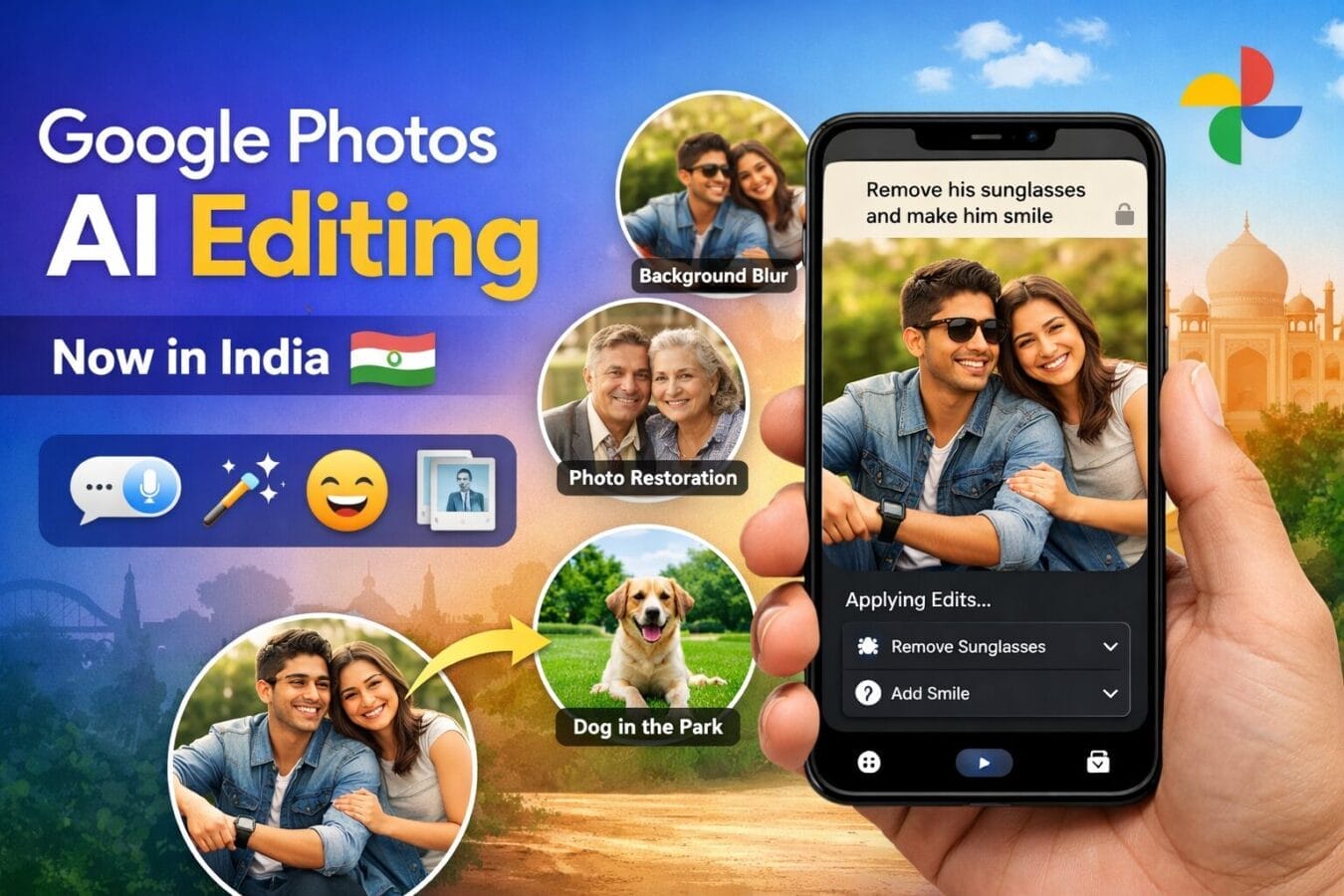
Google photos prompt-based editing has officially started rolling for users in India, making photo editing faster, smarter, and far more intuitive. Instead of manually adjusting sliders or digging through editing menus, users can now simply tell Google Photos what they want to change—using text or voice commands.
These features are powered by Gemini AI and are available on Android devices with at least 4GB RAM running Android 8.0 or later. After debuting in select global markets last year, the update is now reaching Indian users with support for multiple regional languages.
What’s New in Google Photos Prompt-Based Editing?
According to a blog post from the Mountain View–based tech giant Google, the latest update significantly expands what users can do inside Google Photos using AI.
Edit Photos Using Simple Commands
Users can now ask Google Photos to perform common edits such as:
Blur or replace the background
Remove reflections from glass or windows
Fix glare and harsh lighting
Sharpen images
Adjust colors and brightness
Improve shadows and highlights
What’s more impressive is that multiple edits can be done in a single request. For example, you can straighten a photo, enhance colors, and fix lighting all at once.
Personalized Edits for People in Photos
Google is also introducing person-specific AI edits, especially useful for portraits and group photos.
With this feature, users can request things like:
Removing a friend’s sunglasses
Opening someone’s closed eyes
Making a person smile naturally
This works by using your private face groups in Google Photos, helping the AI understand facial details better—something that’s often missed in crowded group shots.
Creative & Scene-Based AI Edits (Nano Features)
The update also includes advanced creative tools powered by Gemini (internally referred to as Nano in the blog).
These tools allow users to:
Restore old or damaged photos
Enhance the overall composition of an image
Add furniture or objects to a room
Recreate scenes or apply artistic styles
Place people or pets into entirely new environments
All of this can be done without any professional editing skills, making complex edits accessible to everyday users.
Supported Languages in India
To make the feature more inclusive, Google Photos AI editing supports:
English
Hindi
Tamil
Telugu
Marathi
Bengali
Gujarati
This means users can give commands in their preferred Indian language, either by typing or speaking.
Transparency with C2PA Content Credentials
To address concerns around AI-edited content, Google is adding C2PA content credentials in Google Photos.
These labels:
Mark images that have been edited using AI
Show edit history details
Improve transparency and trust in digital content
How to Use AI Editing in Google Photos (Step-by-Step)
Open Google Photos on your Android phone
Select the photo you want to edit
Tap on Edit
Look for the AI / Ask Photos option (or text input bar)
Type or speak what you want to change
Review the preview and tap Save if satisfied
Make sure your phone has 4GB RAM or more and is running Android 8.0+.
Example AI Editing Prompts For Google Photos You Can Try
Here are some practical and creative prompts you can use:
“Blur the background and enhance the colors.”
“Remove reflections from the glass and brighten the image.”
“Fix shadows, sharpen the photo, and improve lighting.”
“Remove his sunglasses and make him smile.”
“Restore this old photo and improve clarity.”
“Add a sofa to this room and improve composition.”
“Place my dog in a park setting.”
You can even combine actions:
“Straighten the photo, fix glare, and make the colors pop.”
Why This Update Matters
With this rollout, Google is clearly pushing Google Photos beyond basic editing into AI-assisted creativity. By allowing natural language commands, regional language support, and transparent AI labeling, the company is making photo editing more accessible, powerful, and trustworthy for Indian users.
If you love capturing moments but hate complicated editing tools, this update might be one of the most useful Google Photos upgrades yet.
I’ll provide a full, real-world walkthrough as soon as this update arrives on my smartphone
Disclaimer: The information in this article is based on details first reported by official sources and publicly available news, including Google News. We have adapted and rewritten the content for clarity, SEO optimization, and reader experience. All trademarks and images belong to their respective owners.