

If you use WhatsApp Web on an office computer, a shared PC or a cyber cafe, the Indian Cyber Crime Coordination Centre (I4C) has a message for you: be careful, and always log out. The advisory, titled “Safe Use of WhatsApp Web” and numbered TAU/ADV/021, is dated 18 November 2026. It was issued by the National Cybercrime Threat Analytics Unit (NCTAU) under the Ministry of Home Affairs and is listed on the Advisories page of the I4C website.
Also read : Why Security Updates Are Critical for Your Smartphone in 2026
What the advisory actually says
The advisory does not claim that WhatsApp has been hacked or that the app has a security flaw. NCTAU says only that an authenticated WhatsApp Web session may, under certain circumstances, be misused to gain unauthorised access to a user’s account. Someone with that access could read your messages, send messages while pretending to be you, see your contacts and group chats, and use your trusted identity to commit fraud, phishing or other social engineering. The risk is greatest on office computers, shared systems, public computers and any device that other people can reach.
That last point is worth thinking about. When a message arrives from someone you know, you tend to trust it. A scammer who is logged in to a real account can use that trust to ask for money or push a malicious link, and the people in your contact list may not question it.
Closing the tab does not log you out
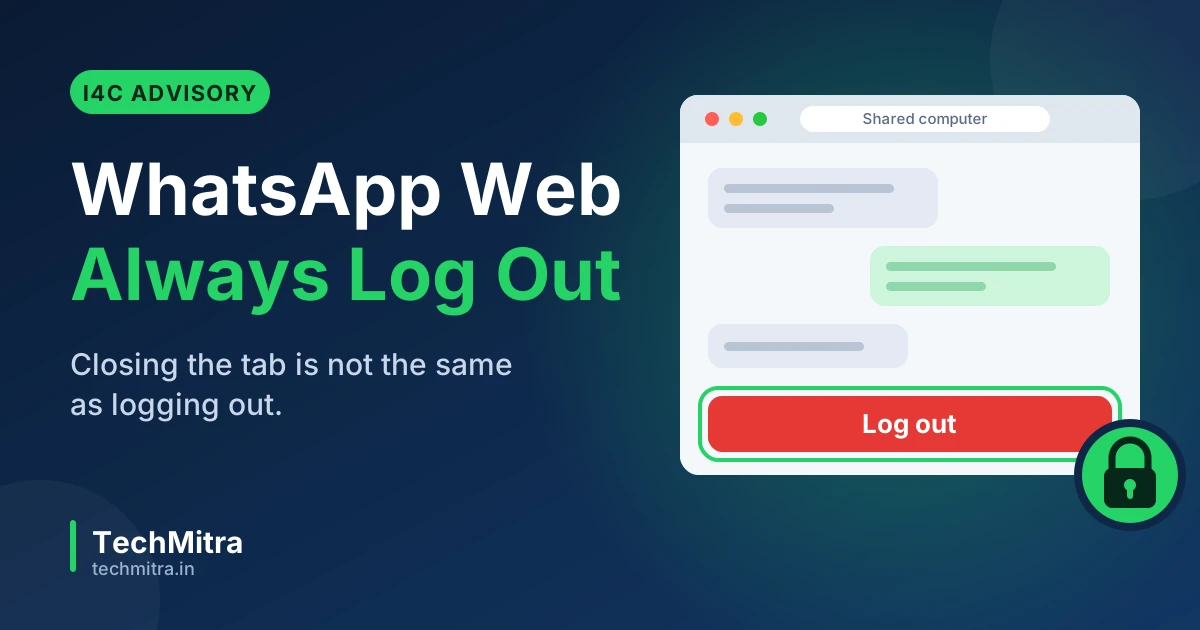
The most useful line in the advisory is the plainest one. Simply closing the browser window or tab should not be treated as logging out. WhatsApp Web keeps your session active in the browser, so a person who opens the site on that computer later may find your chats still open. The advisory asks users to build the habit of logging out manually after every session, using the menu inside WhatsApp Web.
The precautions I4C recommends
I4C advises against doing official or sensitive work on WhatsApp Web. Government, organisational, financial and confidential information should preferably not be shared through a computer-based WhatsApp session at all. It also says you should not keep WhatsApp Web permanently logged in, especially on office or shared computers.
When you have no choice but to use it, the advisory suggests Incognito or Private Browsing mode on a trusted computer, followed by a manual logout before you close the browser. A note on the second page adds that Incognito should be treated only as an additional precaution, not as a replacement for logging out. It also recommends that organisations in official and sensitive environments avoid WhatsApp Web on office computers altogether.
I4C also tells users not to log in from cyber cafes, public kiosks, hotel business centres, borrowed computers or other untrusted systems. It asks people to take unusual activity seriously, such as messages sent from your account that you did not write or odd replies from your contacts. Finally, it recommends keeping the operating system, browser and security software updated, and avoiding suspicious downloads, unknown files, cracked software and untrusted attachments.
Also Read – How to Protect Your Home Wi-Fi Network: The Ultimate Security Guide
How to check your own account
You do not need to wait for something to go wrong. Open WhatsApp on your phone, go to the Linked Devices option in settings, and look at the list of devices where your account is signed in. If you see a computer or browser you do not recognise, or one you used somewhere else and forgot to log out of, tap it and choose to log out. It takes less than a minute and is worth doing every few weeks.
If you spot messages you never sent, or contacts tell you they received something strange from your number, treat it seriously. Log out of every linked device first, then warn your contacts that they may have received messages that did not come from you.
Who should pay attention
This advisory matters most to people who use WhatsApp Web at work, such as shop staff, office employees, teachers and anyone handling client or financial information. It also applies to students who use college or cyber cafe computers. The habit I4C asks for is a simple one: log out when you finish, and avoid shared devices for anything private. As the advisory’s closing line puts it, stay alert, log out after every session, and protect your digital identity.
Source: I4C / NCTAU advisory TAU/ADV/021, “Safe Use of WhatsApp Web,” dated 18 November 2026 (i4c.mha.gov.in/advisories.aspx).

Ayush Singhal is the founder and chief editor of TechMitra.in — a tech hub dedicated to simplifying gadgets, AI tools, and smart innovations for everyday users. With over 15 years of business experience, a Bachelor of Computer Applications (BCA) degree, and 5 years of hands-on experience running an electronics retail shop, Ayush brings real-world gadget knowledge and a genuine passion for emerging technology.
At TechMitra, he covers everything from AI breakthroughs and gadget reviews to app guides, mobile tips, and digital how-tos. His goal is simple — to make tech easy, useful, and enjoyable for everyone. When he’s not testing the latest devices or exploring AI trends, Ayush spends his time crafting tutorials that help readers make smarter digital choices.
📍 Based in Lucknow, India
💡 Focus Areas: Tech News • AI Tools • Gadgets • Digital How-Tos
📧 Contact: Get in touch →
🔗 Full Bio: https://techmitra.in/about-us/