
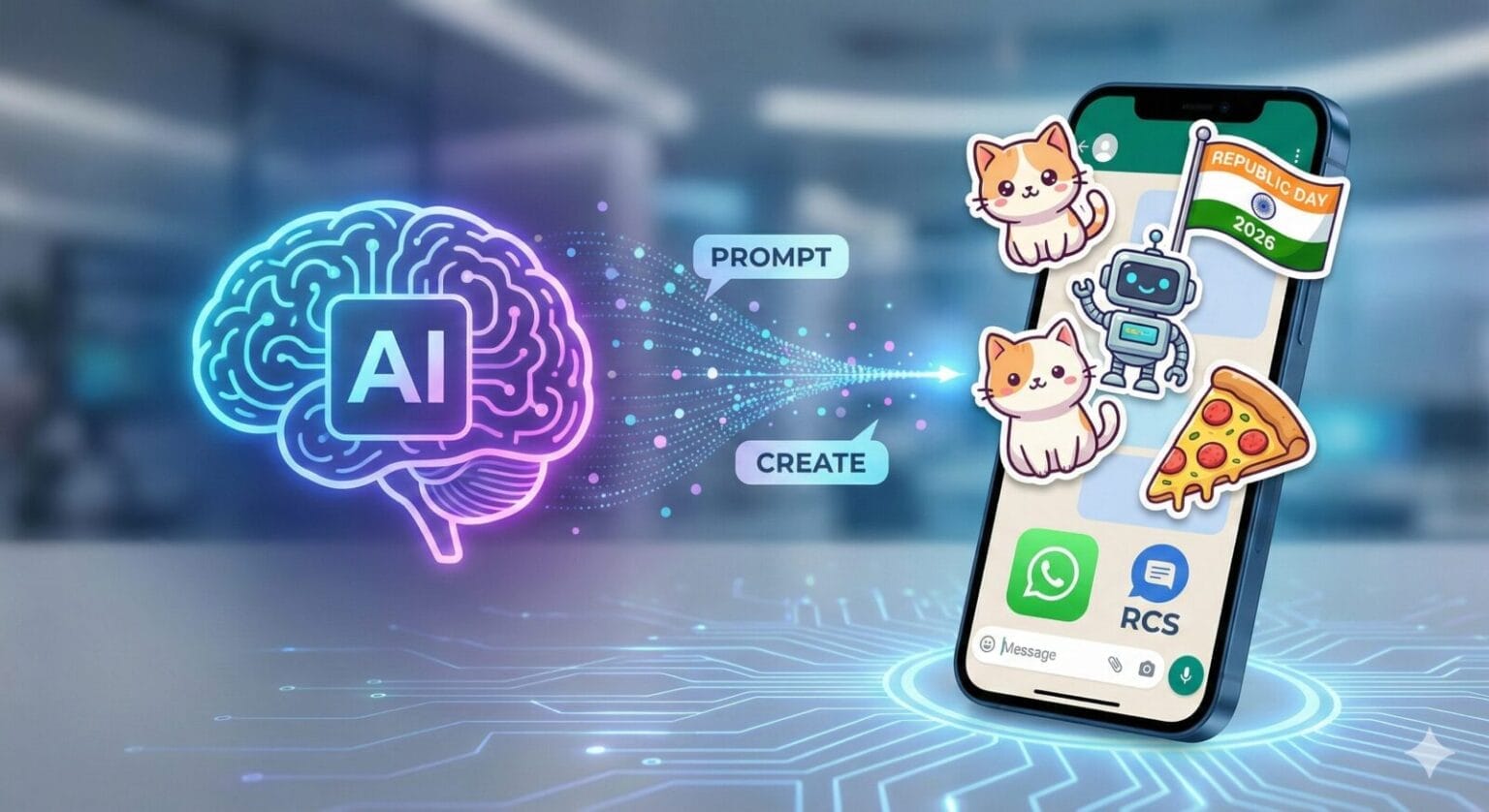
AI-generated stickers are quickly becoming the most creative way to express emotions in chats. Instead of searching for generic sticker packs, you can now generate your own custom stickers using tools like ChatGPT and Gemini, then use them on WhatsApp or RCS messaging apps.
Whether you’re celebrating Republic Day, festivals, birthdays, or just want fun daily-use stickers, these prompt for AI sticker can help you create eye-catching designs in seconds.
Tip: After generating images or sticker-style visuals using ChatGPT or Gemini, you can upload them to WhatsApp or share them directly in RCS-supported apps like Google Messages.
Table of Contents
How to Generate AI Stickers Using ChatGPT and Gemini (Step-by-Step)
You don’t need any design skills or special apps to create AI stickers. All you need is access to ChatGPT or Gemini and a messaging app like WhatsApp or RCS messaging.
Below is the exact process for both platforms.
How to Create ChatGPT AI Stickers Using (Create Images Option)
ChatGPT allows users to generate images directly from text prompts using the Create images feature.
Step-by-Step Process in ChatGPT
Open ChatGPT on your browser or mobile app.
Start a new chat.
Look for the option labeled “Create images” (this may appear as a button, tab, or toggle depending on your version).
Select Create images.
Paste one of the sticker prompts from the list (for example:
“Happy Republic Day 2026 sticker with Indian tricolour, clean vector style, transparent background”).Submit the prompt and wait a few seconds.
ChatGPT will generate one or more images based on your input.
Download the image you like.
How to Use the Image as a Sticker
Open WhatsApp
Go to the sticker section
Tap Create or Add sticker
Upload the downloaded image and send it
Tip: Always mention “sticker style, transparent background, bold outlines” in your prompt for better results.
How to Create AI Stickers Using Gemini (Tools → Create Images)
Gemini also lets you generate images, but the option is available inside the Tools section.
Step-by-Step Process in Gemini AI Sticker Prompt
Open Gemini (web or app).
Start a new conversation.
Look for the Tools option (usually near the input box or side menu).
From Tools, select Create images.
Enter your sticker prompt (for example:
“Cute cartoon Republic Day celebration sticker with Indian flag”).Tap generate and wait for the AI to create images.
Choose your preferred image and download it.
Sharing Gemini Stickers on WhatsApp or RCS
Open WhatsApp or an RCS-supported app like Google Messages
Attach the image in chat
Convert it into a sticker (on WhatsApp) or send it directly as an image/sticker
Tips For Best Prompt For AI Sticker Creation (Very Important)
To get clean, WhatsApp-ready stickers, always include these words in your prompt:
“Sticker style”
“Transparent background”
“Bold outlines”
“Flat vector illustration”
“Cartoon or emoji style”
Example optimized prompt:
“Happy Republic Day 2026 sticker, Indian tricolour theme, flat vector illustration, transparent background, bold outlines”
Bonus Category: Republic Day 2026 Celebration (India)
Get ready to celebrate January 26th with patriotic pride and cheerful vibes. These prompts are designed to create sharable stickers perfect for family groups and friends.
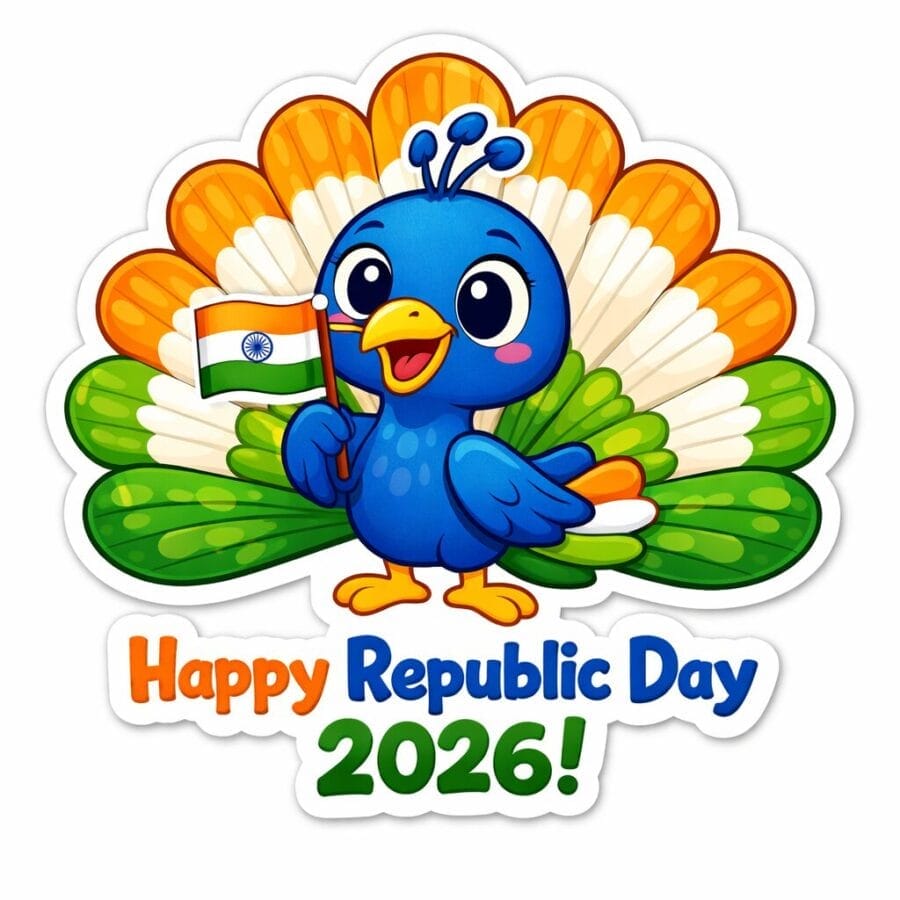
1. The Patriotic Peacock: A cheerful cartoon peacock proudly fanning its tail feathers, which are colored in a radiant Indian tricolor gradient (saffron, white, green). It is holding a small, waving Indian flag in its beak. Text below reads “Happy Republic Day 2026!” Cute illustration style, white die-cut sticker border.
2. Tricolor Flypast over India Gate: A stylized illustration of the India Gate landmark with three fighter jets flying overhead, leaving bold saffron, white, and green smoke trails against a blue sky. Text across the bottom in bold letters reads “VANDE MATARAM 2026.” Patriotic cartoon sticker style, bold outlines, white border.
3. 2026 Tricolor Typography: The year “2026” rendered in puffy, playful bubble letters colored with the Indian national flag gradient, with a detailed navy blue Ashoka Chakra replacing the ‘0’. Below the numbers, playful script text reads “Republic Day Vibes.” Trendy typography sticker design with a thick white outline.
4. Chibi Salute: An adorable chibi-style cartoon kid dressed in traditional Indian clothing (kurta), giving a crisp, joyful salute with a huge smile, standing next to a flagpole with the tricolor flag hoisted high. Text bubble says “Jai Hind!” Cute anime sticker style, transparent background with white border.
5.Blooming Ashoka Chakra: An artistic interpretation of the navy blue Ashoka Chakra forming the center of a stylized, blooming lotus flower that has petals colored in saffron, white, and green. Below it, elegant text says “Republic Day ’26.” Artistic watercolor sticker style with a clean white edge.
20 Creative AI Sticker Prompts to Try Right Now
Below are 20 prompts categorized by theme. You can copy these directly into an AI image generator, or use them as a starting point with ChatGPT/Gemini to create your own variations.
Category 1: Cute & Kawaii Critters
These are guaranteed to get an “aww” reaction.
The Aviator Corgi: A chubby, fluffy corgi puppy wearing tiny aviator sunglasses and a leather scarf, sitting inside a cardboard box labeled “ACE PILOT.” Kawaii sticker style, pastel colors, thick white die-cut border.
Banjo Frog: A round, happy little green frog wearing a red mushroom cap as a hat, happily playing a tiny banjo on a lily pad. Studio Ghibli-inspired animated sticker style, watercolor texture, white border.
The Cuddle Puddle: A stack of three impossibly sleepy kittens—one orange tabby, one calico, and one black cat—curled up together into a single fuzzy ball. Soft cartoon illustration style, gentle colors, transparent background sticker.
Clumsy Penguin: A baby penguin slipping dramatically on a banana peel with a surprised expression and a speech bubble above its head that says “OOF!” Expressive cartoon style, vibrant colors, vinyl sticker look with a white outline.
Category 2: Everyday Moods & Reactions
For when text just isn’t enough to convey your feelings.
Brain Offline: A stylized cartoon brain character with massive, tired bags under its eyes, holding up a sloppy handwritten sign that reads “Error 404: Motivation Not Found.” Flat vector art sticker, relatable humor style.
The Meltdown: A dramatic, retro comic book panel of a person’s face literally melting into a puddle, with the text “LITERAL MELTDOWN” dripping below it in bold, gooey letters. Pop art sticker style with halftone dots.
Not Today, Satan: A cheerful, personified alarm clock getting humorously smashed by a giant cartoon hammer wielded by a fluffy blanket. Text reads “NOPE.” Funny cartoon sticker with bold outlines.
Nailed It (Sarcastic): A minimalist line-art sticker of two hands feebly attempting a high-five and missing completely, with a small, unimpressive “pfft” cloud. Below it, the text “NAILED IT.” Trendy, clean design with a white border.
Category 3: Foodie Fun with a Punny Twist
Because everyone loves food and bad jokes.
Pizza Warrior: An angry, sentient slice of pepperoni pizza wielding a tiny sword made of a breadstick and a shield made of a mushroom. Text above it reads “YOU WANNA PIZZA ME?” Energetic cartoon sticker style.
Taco ‘Bout It: A happy, smiling hard-shell taco giving a thumbs-up, wearing a tiny sombrero. Below it, a punny speech bubble says “Let’s Taco ‘Bout It.” Playful illustration style with a white die-cut border.
Grumpy Pre-Coffee Cup: A surly, unimpressed ceramic coffee mug character with arms crossed and dark circles under its eyes, emanating dark storm clouds. Text reads “Don’t. Just don’t.” Dark humor sticker style.
Avo Good Time: A joyful avocado half with a heart-shaped pit holding hands and dancing with a smiling piece of toast. Text reads “We Avo Good Time!” Bright, cheerful, cute sticker design.
Category 4: Sci-Fi & Fantasy Whimsy
Add a touch of magic or futuristic flair to your chats.
Confused Alien Tourist: A cute, short green alien with three eyes wearing a loud Hawaiian shirt, cargo shorts, and a camera around its neck, looking utterly bewildered at a common household toaster. Whimsical sci-fi cartoon sticker.
Incompetent Wizard Cat: A grumpy-looking cat dressed in wizard robes and a pointy hat, casting a spell with a wand that is only producing a pathetic puff of smoke and a single, confused goldfish. Fantasy cartoon style, white border.
Retro Robot Buddy: A clunky, 1950s-style retro-futuristic robot giving a peace sign with one claw hand. Its chest screen displays text that reads “BEEP BOOP, BUDDY.” Vintage sci-fi aesthetic sticker with a distressed texture.
The Slow Charge: A tiny, fully armored knight with a lance valiantly riding atop a giant, indifferent garden snail. Below them, text reads “CHARGE… eventually.” Funny fantasy sticker style.
Category 5: Abstract, Trendy & Meme Concepts
For the modern memer.
Cyberpunk Skull: An iridescent, holographic human skull with digital glitch effects, with vibrant neon flowers blooming from its eye sockets. Cyberpunk aesthetic sticker, black background with a glowing white border.
Eternal Loading Screen: A stylized computer loading bar that is stuck at 99%, with a tiny stick figure character agonizingly pushing the progress bar. Below it, text reads “Story of my life.” Relatable meme sticker style.
Retro Wave Vibes: A cool, anthropomorphic sun wearing sunglasses setting over a synth-wave grid landscape in purple, pink, and blue neon colors. 80s retro aesthetic sticker design.
The Last Brain Cell: A frantic, poorly drawn blob-like creature labeled “My last brain cell” running full speed on a hamster wheel that is actively on fire. Surreal humor meme sticker, simple cartoon style with a white border.
ChatGPT vs Gemini: Which Is Better for Sticker Prompts?
ChatGPT is excellent for refining prompts, improving creativity, and adding detailed style instructions.
Gemini works well for visual creativity and fast image-based results, especially within Google’s ecosystem.
Using both together gives you the best results—create prompts with ChatGPT and experiment visually with Gemini.
Final Tip: How to Add Them to Messaging Apps
Once you have your generated image (usually a PNG file with a transparent background), you’ll need to use a sticker maker app to import it into WhatsApp or RCS.
For Android & iOS: Popular apps like Sticker.ly, Sticker Maker Studio, or the built-in sticker maker tools within WhatsApp (available in some regions on WhatsApp Web and newer app versions) allow you to upload your image, crop it, and add it to your personal sticker library.
Go ahead and start experimenting. With ChatGPT and Gemini as your creative partners, your sticker game is about to become legendary!
Trending

Ayush Singhal is the founder and chief editor of TechMitra.in — a tech hub dedicated to simplifying gadgets, AI tools, and smart innovations for everyday users. With over 15 years of business experience, a Bachelor of Computer Applications (BCA) degree, and 5 years of hands-on experience running an electronics retail shop, Ayush brings real-world gadget knowledge and a genuine passion for emerging technology.
At TechMitra, he covers everything from AI breakthroughs and gadget reviews to app guides, mobile tips, and digital how-tos. His goal is simple — to make tech easy, useful, and enjoyable for everyone. When he’s not testing the latest devices or exploring AI trends, Ayush spends his time crafting tutorials that help readers make smarter digital choices.
📍 Based in Lucknow, India
💡 Focus Areas: Tech News • AI Tools • Gadgets • Digital How-Tos
📧 Email: contact@techmitra.in
🔗 Full Bio: https://techmitra.in/about-us/