
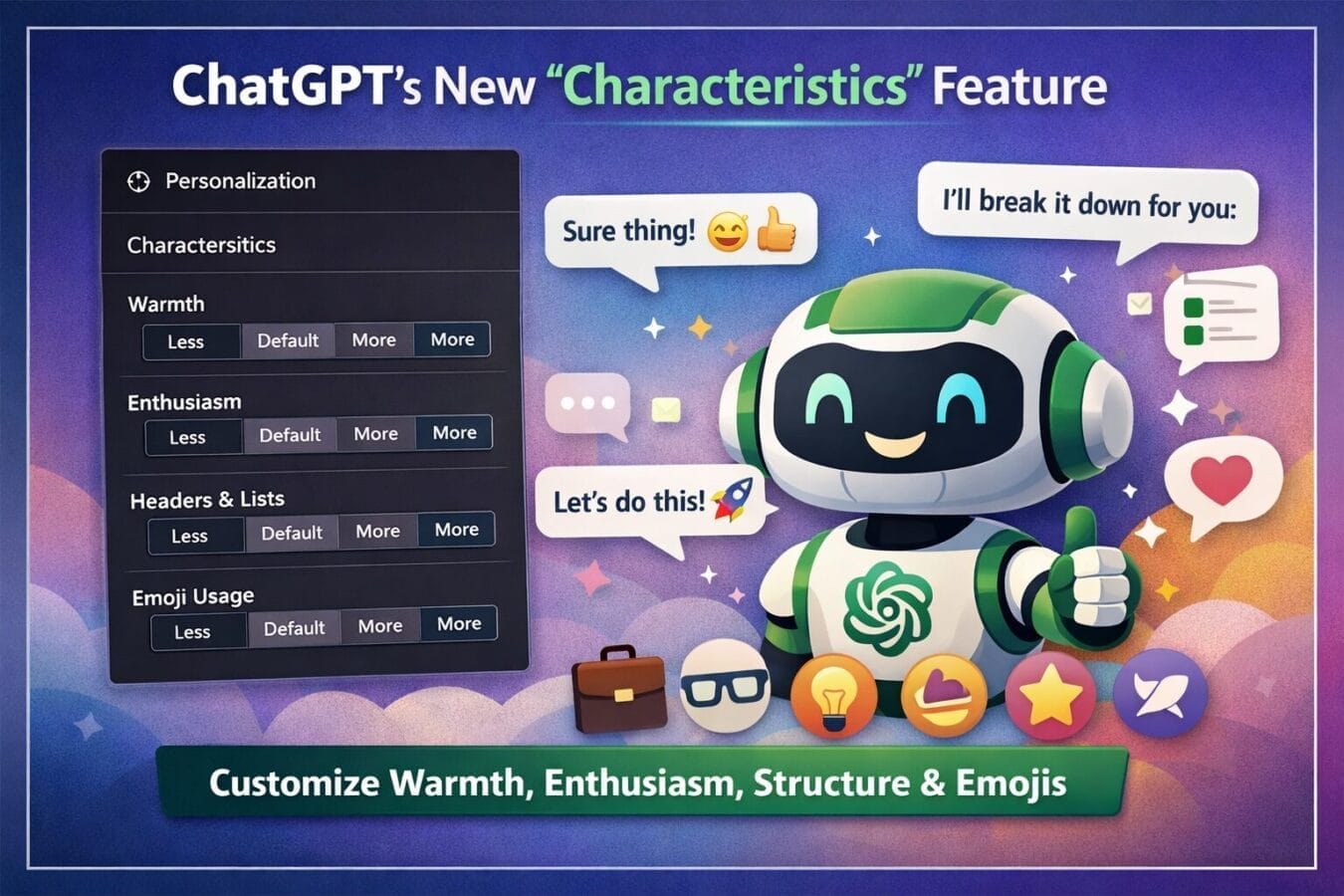
OpenAI is once again refining how people interact with artificial intelligence. The company has announced a fresh personality upgrade for ChatGPT, introducing a new feature called Characteristics. This update allows users to fine-tune how the chatbot sounds and behaves during conversations—without changing how smart or accurate it is.
In simple terms, ChatGPT is becoming more you. Whether you want warmer replies, more energy, cleaner formatting, or fewer emojis, the new Characteristics controls put that choice directly in your hands.
Table of Contents
What Is the ChatGPT “Characteristics” Feature?
The Characteristics feature is part of ChatGPT’s Personalization settings and builds on the eight preset personalities that already exist. Until now, users could switch between tones like Professional, Friendly, or Quirky. With this update, OpenAI is adding more granular controls so users don’t have to rely only on presets.
According to OpenAI’s announcement on X (formerly Twitter), users can now directly adjust specific traits such as:
Warmth
Enthusiasm
Headers and Lists
Emoji usage
This marks a shift from “one-size-fits-all” personality modes to a more customizable experience that adapts to individual preferences.
Where to Find the New Settings
Accessing the Characteristics feature is straightforward and works across desktop and mobile versions.
Steps to enable Characteristics:
Open ChatGPT
Click on the sidebar or tap your profile name (on mobile)
Go to Settings
Select Personalization
Open Characteristics
Inside this section, you’ll see sliders or options that let you control how ChatGPT communicates with you.
The Four Characteristics You Can Customize
Each characteristic comes with three levels: More, Default, and Less. Here’s how each one affects your conversations.
1. Warmth
Warmth controls how friendly and personable ChatGPT sounds.
More: Polite, conversational, and human-like responses
Less: Direct, professional, and fact-focused replies
This is especially useful if you switch between casual chats and work-related queries.
2. Enthusiasm
This setting adjusts how energetic and expressive ChatGPT feels.
More: Lively tone with expressive language
Less: Calm, neutral, and restrained responses
Creators, students, and casual users may enjoy higher enthusiasm, while professionals might prefer a toned-down approach.
3. Headers and Lists
This option controls how structured the responses are.
More: Clear headings, bullet points, and lists
Less: More paragraph-based, flowing responses
If you prefer scannable answers (great for tutorials and guides), this setting can make a big difference.
4. Emoji Usage
Emojis can now be adjusted—but not fully disabled (at least for now).
More: Friendly replies with regular emoji use
Less: Minimal emoji usage
This is useful for users who find emojis distracting in professional or technical discussions.
Does This Affect ChatGPT’s Intelligence?
No—and this is an important point.
OpenAI has clearly stated that adjusting Characteristics does not impact ChatGPT’s intelligence, reasoning ability, or factual accuracy. The AI model remains the same under the hood. Only the presentation style changes.
You’ll notice the biggest difference during:
Casual conversations
Brainstorming sessions
Personal chats
Creative writing
For technical queries, coding help, or research-based questions, the core capability remains unchanged.
How This Builds on Existing Personality Presets
Before Characteristics, users could already choose from eight base personality presets:
Default
Professional
Friendly
Candid
Quirky
Efficient
Nerdy
Cynical
These presets still exist and act as a foundation. Characteristics now work on top of these base styles, allowing deeper customization. For example, you could select Professional as a base style but increase headers and lists while reducing enthusiasm.
This layered approach gives users more control without overwhelming them.
Why OpenAI Is Pushing Personalization
This update reflects a larger trend in AI development: personalized user experiences.
Different users want different things from AI:
Journalists may want clean, neutral responses
Students may prefer friendly explanations
Developers may want structured, no-nonsense outputs
Casual users may enjoy warmth and emojis
By letting users define how ChatGPT “feels,” OpenAI is making the chatbot more adaptable to real-world use cases—especially as it becomes part of daily workflows.
What This Means for Regular Users
For everyday users, this update may seem subtle at first, but over time it can significantly improve comfort and usability.
Key benefits include:
Less prompt engineering to “sound right”
More consistent tone across conversations
Better alignment with personal or professional needs
Instead of repeatedly telling ChatGPT how to respond, users can now set preferences once and let the AI adapt automatically.
Is This the Start of Deeper Customization?
Very likely. While the current update focuses on tone and formatting, it opens the door for more advanced personalization features in the future—possibly including conversation memory preferences, verbosity controls, or context sensitivity.
For now, Characteristics strikes a balance between flexibility and simplicity, making it approachable for both new and experienced users.
Final Thoughts
With the introduction of Characteristics, ChatGPT is becoming less like a generic chatbot and more like a personalized digital assistant. The update doesn’t change what the AI knows—but it significantly improves how that knowledge is delivered.
As AI tools become more deeply integrated into work, education, and daily life, these small but meaningful refinements could be what sets one platform apart from the rest.
Frequently Asked Questions (FAQs)
What is the ChatGPT characteristics feature?
The ChatGPT characteristics feature is a new personalization option from OpenAI that allows users to adjust how ChatGPT responds, including traits like warmth, enthusiasm, emoji usage, and formatting style.
Where can users find the ChatGPT characteristics settings?
Users can access the characteristics feature by opening ChatGPT’s settings, going to the personalization section, and selecting “Characteristics” from the available options on desktop or mobile apps.
Does the ChatGPT characteristics feature affect accuracy or intelligence?
No. Adjusting characteristics does not change ChatGPT’s underlying intelligence or accuracy. The feature only modifies the tone and style of responses, not the AI model’s capabilities.
What traits can be customized in the ChatGPT characteristics feature?
Users can currently customize four traits: warmth, enthusiasm, use of headers and lists, and emoji usage. Each trait can be set to more, default, or less.
Can emojis be completely turned off in ChatGPT?
At present, ChatGPT allows users to reduce emoji usage, but there is no option to fully disable emojis through the characteristics settings.
How is the characteristics feature different from ChatGPT personality presets?
Personality presets change ChatGPT’s overall tone, such as professional or friendly. The characteristics feature adds finer controls, allowing users to adjust specific traits on top of the selected preset.
Who benefits most from the ChatGPT characteristics feature?
The feature is particularly useful for users who regularly switch between professional tasks and casual conversations, as it allows them to tailor ChatGPT’s response style to different use cases.
Is the ChatGPT characteristics feature available to all users?
OpenAI is rolling out the characteristics feature gradually. Availability may vary depending on region, platform, and account type.
Disclaimer: The information in this article is based on details first reported by official sources and publicly available news, including Google News. We have adapted and rewritten the content for clarity, SEO optimization, and reader experience. All trademarks and images belong to their respective owners.
Trending

Ayush Singhal is the founder and chief editor of TechMitra.in — a tech hub dedicated to simplifying gadgets, AI tools, and smart innovations for everyday users. With over 15 years of business experience, a Bachelor of Computer Applications (BCA) degree, and 5 years of hands-on experience running an electronics retail shop, Ayush brings real-world gadget knowledge and a genuine passion for emerging technology.
At TechMitra, he covers everything from AI breakthroughs and gadget reviews to app guides, mobile tips, and digital how-tos. His goal is simple — to make tech easy, useful, and enjoyable for everyone. When he’s not testing the latest devices or exploring AI trends, Ayush spends his time crafting tutorials that help readers make smarter digital choices.
📍 Based in Lucknow, India
💡 Focus Areas: Tech News • AI Tools • Gadgets • Digital How-Tos
📧 Email: contact@techmitra.in
🔗 Full Bio: https://techmitra.in/about-us/