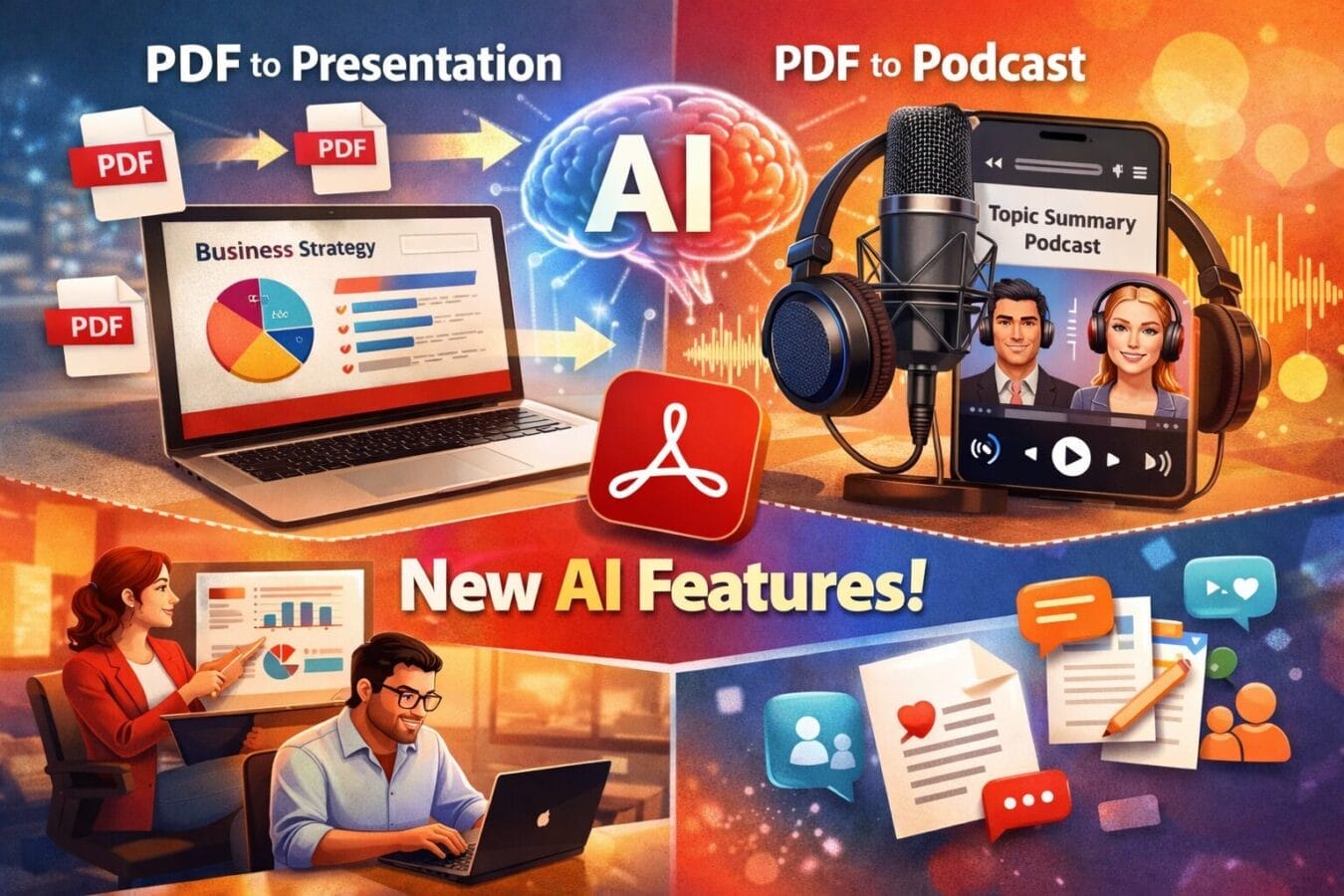
Adobe is taking another big step in making documents smarter and more interactive. With its latest update, Adobe has introduced powerful new Adobe Acrobat AI Features that allow users to convert PDFs into ready-made presentations and even AI-generated podcasts.
These features are designed to save time, simplify workflows, and help users consume and share information in more engaging formats—without needing advanced design or editing skills.
AI Powered PDF to Presentation Feature
One of the most useful additions is Adobe Acrobat’s ability to transform static PDF documents into dynamic slide presentations using AI.
How the PDF-to-Presentation Tool Works
Users can ask Acrobat’s AI assistant to analyze a PDF and automatically:
Create a structured presentation outline
Generate complete slides based on the document’s content
Adjust the presentation length and tone (professional, casual, or informative)
Once the content is ready, Adobe Express steps in to apply visual polish. Users can choose from multiple professionally designed templates, colors, and layouts, resulting in a presentation draft within minutes.
Why This Feature Matters
This AI-powered workflow is especially helpful for:
Turning reports into meeting-ready slide decks
Creating presentations from research papers or study material
Converting whitepapers into client-facing presentations
What once required manual copying and formatting can now be done automatically with AI assistance.
Customization and Collaboration Made Easy
Despite the heavy use of AI, Adobe ensures that users stay in full control of their content.
Edit and Customize With AI Assistance
After generating a presentation, users can:
Replace images or add new visuals
Change fonts, themes, and layouts
Rewrite slide text using AI suggestions
Insert videos or interactive elements
All of this can be done either inside Acrobat or directly in Adobe Express for more creative flexibility.
Built for Team Collaboration
Adobe has also strengthened collaboration features. Users can invite teammates to:
Review presentations
Suggest edits
Leave comments and notes
This makes the tool suitable not just for individuals, but also for teams working on shared projects.
AI Generated Podcasts From PDF
Another standout feature is Acrobat’s ability to turn documents into AI-powered podcasts.
Turning Documents Into Audio Content
Users can upload:
A single PDF or multiple PDFs
Reports, transcripts, or reference documents
The AI then summarizes the content and converts it into an audio-style podcast, where AI-generated hosts discuss the topic in a natural, conversational manner. This allows users to listen to documents instead of reading them.
Practical and Personal Use Cases
Although designed mainly for business use—such as briefings or internal updates—the podcast feature also works well for personal interests, including:
Listening to summaries during commutes
Consuming long documents hands-free
Exploring topics like current affairs, hobbies, or research
It’s an effective way to stay informed without being tied to a screen.
Disclaimer: The information in this article is based on details first reported by official sources and publicly available news, including Google News. We have adapted and rewritten the content for clarity, SEO optimization, and reader experience. All trademarks and images belong to their respective owners.