
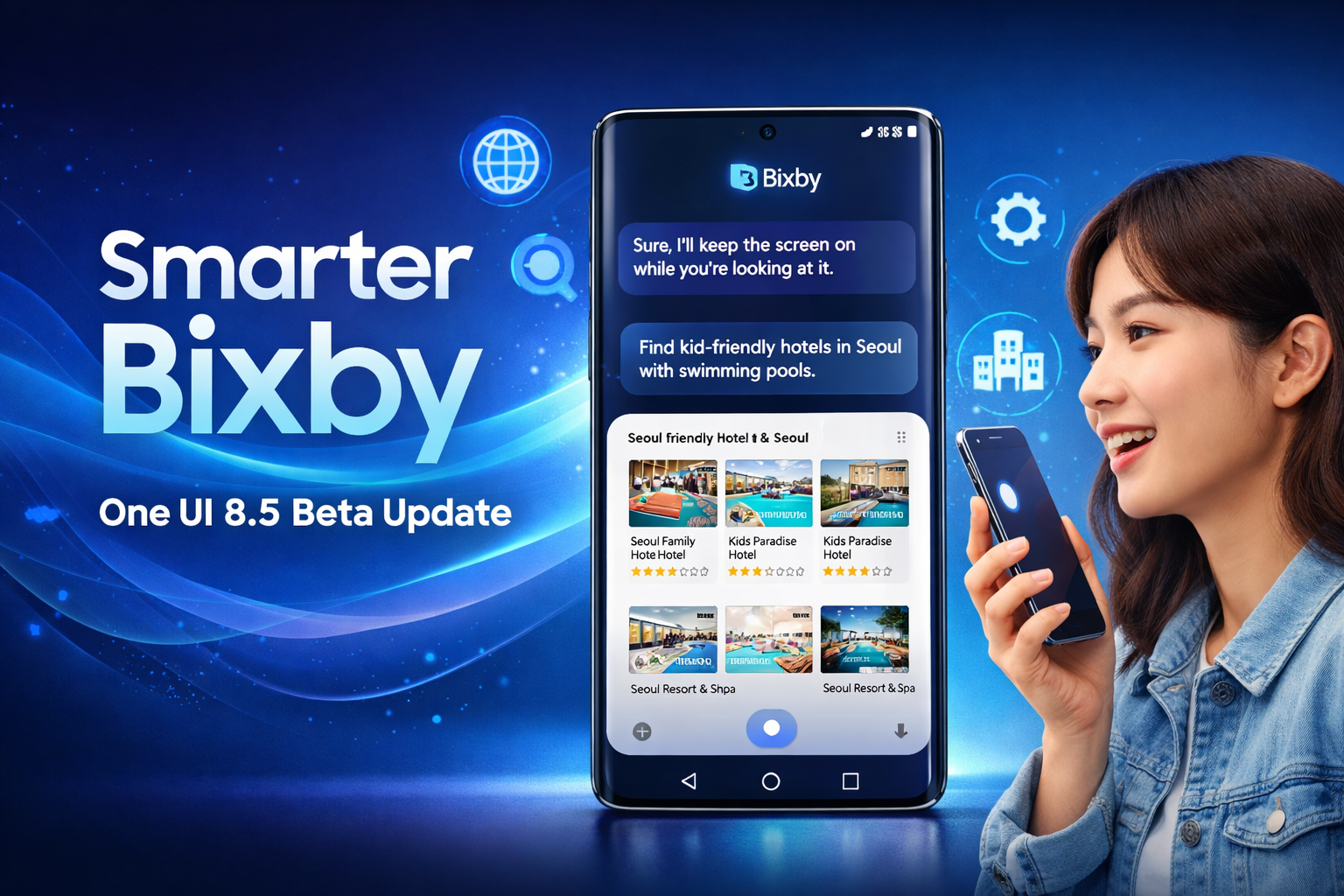
Disclaimer: This featured image is AI-generated for illustrative purposes only. It does not represent official visuals from Samsung. All trademarks and brand names belong to their respective owners.
Samsung Electronics has begun rolling out smarter Bixby an upgraded version of its conversational device agent, as part of the One UI 8.5 beta programme in India and select global markets including the United Kingdom, Germany, South Korea, Poland, and the United States. The company has also confirmed plans to expand this update to more regions in the coming months.
This latest refresh is designed to make Galaxy devices feel more natural and responsive to everyday requests. Instead of navigating through multiple menus or remembering exact setting names, users can now interact with their phones in plain language—much like speaking to another person.
Let’s break down what this new Bixby experience brings to the table.
Table of Contents
A More Human Way to Control Your Phone
The biggest highlight of the One UI 8.5 beta update is Bixby’s improved understanding of natural speech.
Previously, changing certain settings often required digging through layers of menus. Now, users can simply describe what they want, and Bixby figures out the rest.
For example, saying something like:
“I don’t want my screen to turn off while I’m still looking at it.”
…is enough for Bixby to identify the relevant display option and enable Keep Screen On While Viewing automatically—no manual searching required.
What makes this update especially useful is context awareness. Bixby doesn’t just execute commands; it evaluates your device’s current configuration and offers tailored actions. This means fewer generic suggestions and more practical, situation-specific fixes.
Smarter troubleshooting, less guesswork
Here’s another everyday scenario:
If you ask why your screen keeps lighting up inside your pocket, Bixby understands the intent behind the question. It can point you directly to Accidental Touch Protection and let you turn it on instantly—saving time and avoiding trial-and-error adjustments.
For users who aren’t deeply familiar with every feature on their phone, this contextual guidance is a major upgrade. It lowers the learning curve and helps people get more value from their devices without feeling overwhelmed.
Real-Time Web Search, Built Right Into Smarter Bixby
Beyond device controls, Bixby in One UI 8.5 also gains live web search capabilities.
This means you can now ask real-world questions and receive up-to-date results directly inside Bixby’s interface—without jumping back and forth between apps.
For instance, you might say:
“Find kid-friendly hotels in Seoul with swimming pools.”
Bixby will pull relevant listings from the web and display them right away, allowing you to browse options smoothly within the assistant itself.
This integration turns Bixby into more than just a settings manager—it becomes a practical everyday companion for quick research, travel planning, and on-the-go decisions.
Designed to Reduce Everyday Friction
According to Won‑Joon Choi, COO of Mobile eXperience (MX) Business at Samsung Electronics, the goal behind the redesigned Bixby is simple: make AI easier for everyone to use.
He explained that since introducing its first AI phone in 2024, Samsung has focused on embedding intelligence directly into the device experience. With One UI 8.5, Bixby has been rebuilt to support more natural conversations and intuitive controls—helping users complete daily tasks with less effort.
In practical terms, this means:
- Fewer steps to change common settings
- Voice requests that sound normal, not robotic
- Smarter recommendations based on your current device state
- Faster access to live information from the web
All of this adds up to a smoother, more approachable AI experience.
Why This Update Matters
While voice assistants aren’t new, Samsung’s latest approach shifts the focus from rigid commands to real conversations.
Instead of adapting to your phone, your phone now adapts to you.
For busy users, this can translate into meaningful time savings. For less tech-savvy users, it removes barriers that often prevent them from exploring advanced features. And for power users, it offers quicker shortcuts to fine-tune their devices.
It’s also a clear signal of Samsung’s broader AI strategy: moving beyond flashy features and toward practical, everyday usefulness.
Availability and What’s Next
The enhanced Bixby experience is currently live through the One UI 8.5 beta in India and several major global markets. Samsung has confirmed that additional regions will be added gradually, with wider availability expected after the beta phase concludes.
If you’re enrolled in the beta programme on a compatible Galaxy device, you can already start testing these new capabilities.
Final Thoughts
With One UI 8.5, Samsung is quietly redefining how users interact with their smartphones. By combining natural language control, contextual device management, and built-in live web search, Bixby is evolving from a basic voice assistant into a genuinely helpful digital companion.
It’s not about dramatic AI demos—it’s about making everyday tasks simpler. And in real-world usage, that’s exactly where AI matters most.
If this direction continues, Galaxy users can expect their phones to feel less like tools—and more like intelligent partners in daily life.
Disclaimer: The information in this article is based on details first reported by official sources and publicly available news, including Google News. We have adapted and rewritten the content for clarity, SEO optimization, and reader experience. All trademarks and images belong to their respective owners.

Ayush Singhal is the founder and chief editor of TechMitra.in — a tech hub dedicated to simplifying gadgets, AI tools, and smart innovations for everyday users. With over 15 years of business experience, a Bachelor of Computer Applications (BCA) degree, and 5 years of hands-on experience running an electronics retail shop, Ayush brings real-world gadget knowledge and a genuine passion for emerging technology.
At TechMitra, he covers everything from AI breakthroughs and gadget reviews to app guides, mobile tips, and digital how-tos. His goal is simple — to make tech easy, useful, and enjoyable for everyone. When he’s not testing the latest devices or exploring AI trends, Ayush spends his time crafting tutorials that help readers make smarter digital choices.
📍 Based in Lucknow, India
💡 Focus Areas: Tech News • AI Tools • Gadgets • Digital How-Tos
📧 Email: contact@techmitra.in
🔗 Full Bio: https://techmitra.in/about-us/