
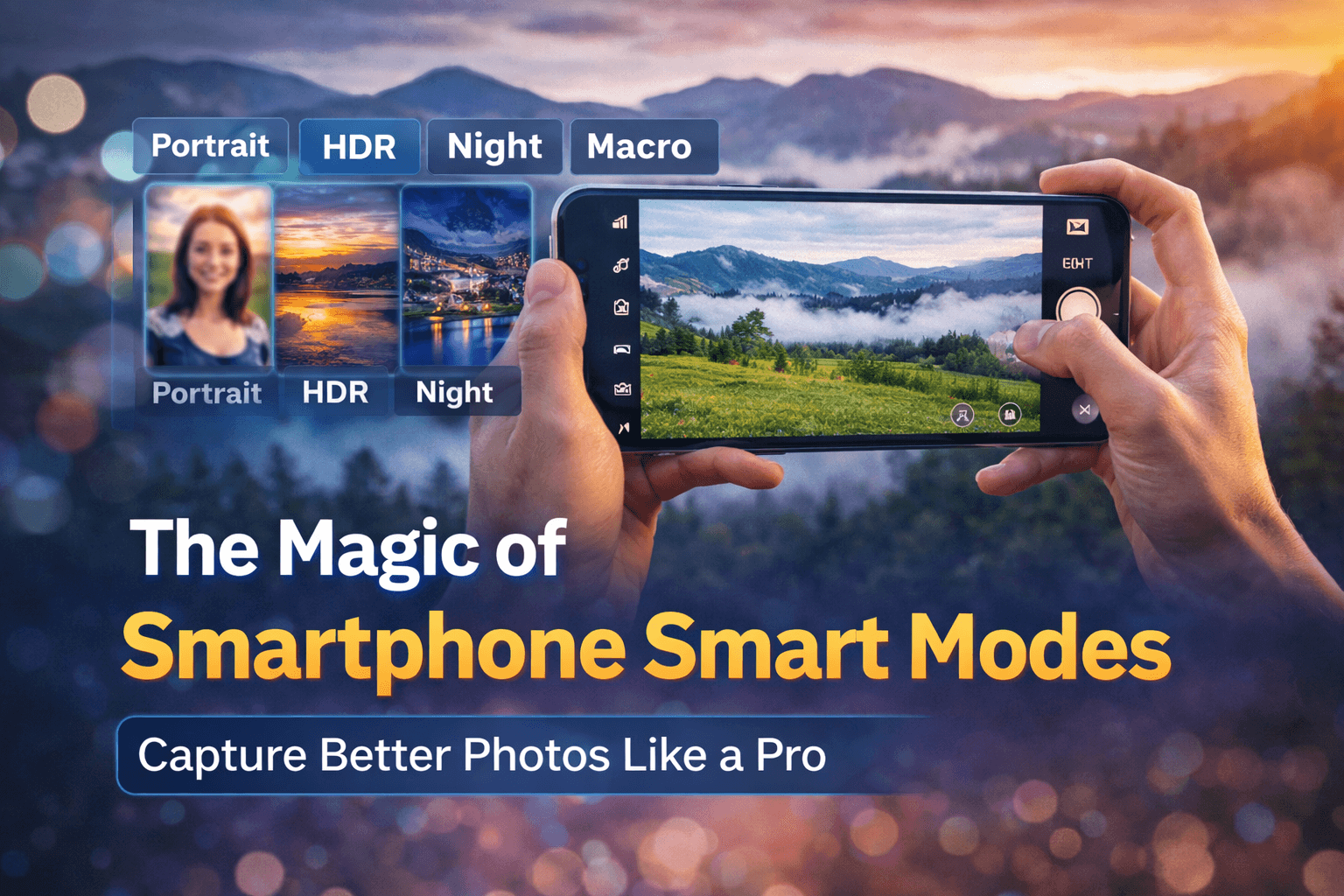
Smartphone cameras have become smarter than ever. As someone who regularly covers mobile technology and smartphone features on TechMitra.in, I’ve seen how AI-powered camera modes have completely transformed everyday photography. Today, even mid-range smartphones can capture stunning, DSLR-like photos — not because of expensive hardware alone, but thanks to intelligent smart modes that automatically handle lighting, focus, and color. If you know how to use these modes properly, your phone can become a powerful pocket-sized photography tool.
Yet, despite having these powerful features built right into their smartphones, most users still rely on basic auto mode and miss out on what their camera can really do.
From Portrait and HDR to Night and Macro modes, modern smartphones offer intelligent tools designed to adjust exposure, sharpness, and contrast automatically. In this guide mobile photography modes explained and how to use these smart modes can dramatically improve your photos — whether you’re capturing travel moments, family memories, or everyday scenes.
Table of Contents
Also Read : Best Smartphones Under 16000 in India ( Jan 2026): Battery, Camera, UFS Storage & Performance Compared
Portrait Mode: Professional-Looking Photos in One Tap
Portrait Mode is one of the most popular smartphone camera features — and for good reason.
Its main purpose is to keep your subject sharp while softly blurring the background, creating a DSLR-style “bokeh” effect. This instantly makes photos look more professional and visually appealing.
How Portrait Mode Works
Modern smartphones use depth sensors, dual cameras, or AI algorithms to separate the subject from the background. The camera then applies selective blur to highlight the person or object.
Tips for Better Portrait Shots
- Keep your subject about 1–2 meters away
- Ensure good lighting on the face
- Avoid busy backgrounds
- Hold the phone steady
- Use natural daylight whenever possible
Portrait Mode works best for people, pets, flowers, and small objects. Many phones also allow you to adjust background blur after taking the photo — so feel free to experiment.
HDR Mode: Balanced Photos in Tricky Lighting
HDR stands for High Dynamic Range, and it’s especially useful when your scene has both bright and dark areas.
Have you ever tried photographing a sunset or a person standing against bright sunlight — only to get either a washed-out sky or a dark subject? That’s where HDR shines.
What HDR Does
HDR captures multiple images at different exposures and merges them into one balanced photo. The result:
- Brighter shadows
- Controlled highlights
- More visible details
- Natural-looking colors
When to Use HDR
- Landscapes with bright skies
- Backlit portraits
- Windows and indoor daylight scenes
- High-contrast environments
Most phones enable HDR automatically, but you can also turn it on manually for consistent results.
Night Mode: Clear Photos Even in Low Light
Low-light photography used to be a nightmare. Grainy images, blurry subjects, and dull colors were common.
Night Mode changed everything.
How Night Mode Works
Instead of taking one photo, Night Mode captures several frames over a few seconds and stacks them together. AI then reduces noise, brightens dark areas, and sharpens details.
The result? Surprisingly bright and clear images — even without flash.
Night Mode Tips
- Keep your phone as steady as possible
- Rest it against a wall or object if needed
- Ask your subject to stay still
- Avoid fast-moving scenes
- Give the camera time to finish processing
Night Mode is perfect for street photography, indoor shots, evening portraits, and cityscapes.
Pro Mode: Full Creative Control for Advanced Users
If you want to go beyond automatic settings, Pro Mode (also called Manual Mode) gives you control over:
- ISO
- Shutter speed
- White balance
- Focus
- Exposure
This mode is ideal for photography enthusiasts who want to experiment with creative effects like motion blur, light trails, or artistic low-light shots.
Even beginners can start slowly by adjusting just one setting at a time.
Macro Mode: Capture Tiny Details
Many smartphones now include Macro Mode for extreme close-ups. It’s perfect for:
- Flowers
- Insects
- Textures
- Small objects
Just move your phone close to the subject, let autofocus lock in, and enjoy revealing details invisible to the naked eye.
Also Read : New Smartphone Setup Guide For Beginners: Essential Things to Do on Day One
Simple Habits That Instantly Improve Your Photos
No matter which mode you use, these basic practices make a big difference:
Clean Your Camera Lens
A smudged lens can ruin clarity and contrast.
Use Natural Light
Morning and evening light (golden hour) produces softer shadows and warmer tones.
Hold Your Phone Steady
Use both hands or lean against a surface.
Tap to Focus
Always tap your subject on the screen to ensure sharp focus.
Avoid Digital Zoom
Move closer instead — digital zoom reduces quality.
According to Google, using features like HDR and Night mode can significantly improve photo quality in challenging lighting conditions.
The Role of AI in Smartphone Photography
Behind every smart mode is artificial intelligence.
Your phone analyzes scenes in real time — recognizing faces, skies, food, documents, and more. It automatically adjusts saturation, sharpness, and exposure based on what it sees.
This is why modern smartphones can deliver impressive results even for complete beginners.
Final Thoughts: Your Phone Is Smarter Than You Think
You don’t need expensive cameras or professional training to take beautiful photos anymore.
Your smartphone already has powerful tools built in — Portrait Mode, HDR, Night Mode, Pro Mode, and Macro — all designed to help you capture moments effortlessly.
The real secret is simple: start using them.
Experiment, explore different modes, and understand how each one behaves in various lighting conditions. With just a little practice, your everyday photos can look cinematic, polished, and memorable.
Your smartphone isn’t just a device — it’s a pocket-sized photography studio waiting to be unlocked.

Ayush Singhal is the founder and chief editor of TechMitra.in — a tech hub dedicated to simplifying gadgets, AI tools, and smart innovations for everyday users. With over 15 years of business experience, a Bachelor of Computer Applications (BCA) degree, and 5 years of hands-on experience running an electronics retail shop, Ayush brings real-world gadget knowledge and a genuine passion for emerging technology.
At TechMitra, he covers everything from AI breakthroughs and gadget reviews to app guides, mobile tips, and digital how-tos. His goal is simple — to make tech easy, useful, and enjoyable for everyone. When he’s not testing the latest devices or exploring AI trends, Ayush spends his time crafting tutorials that help readers make smarter digital choices.
📍 Based in Lucknow, India
💡 Focus Areas: Tech News • AI Tools • Gadgets • Digital How-Tos
📧 Email: contact@techmitra.in
🔗 Full Bio: https://techmitra.in/about-us/