
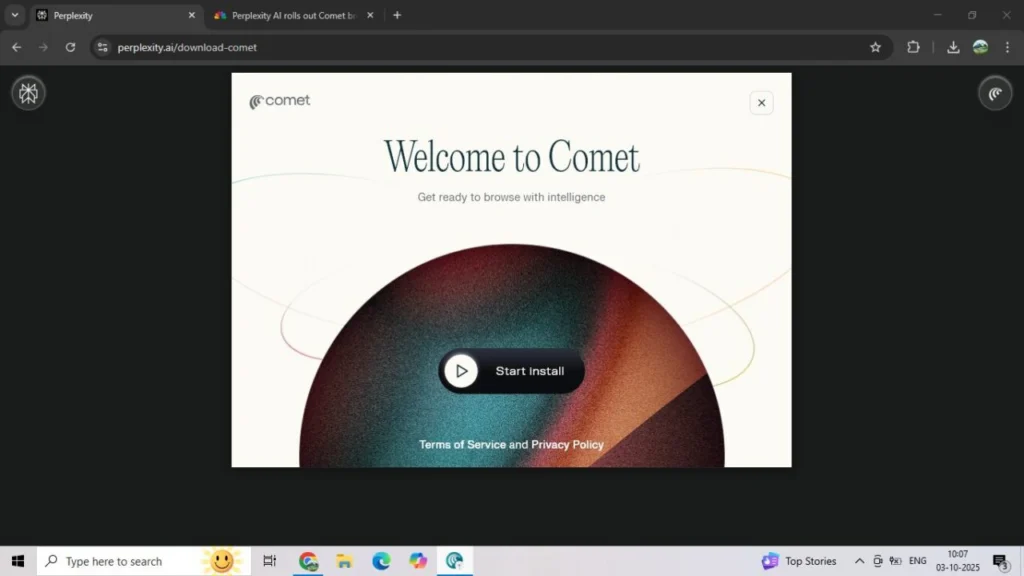
Perplexity AI has officially announced that its AI powered web browser, Comet AI , is now available worldwide and, in a big surprise, will be completely free for users.
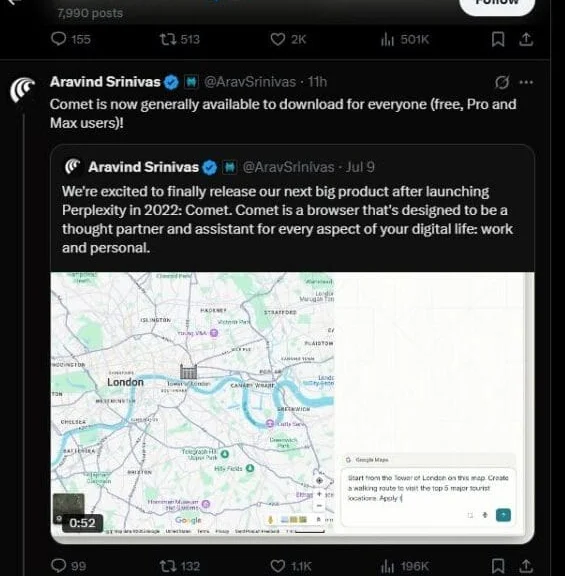
The announcement came on Thursday via Perplexity CEO Aravind Srinivas’s X account, marking a major shift in the company’s strategy. Originally launched in July as an exclusive $200-per-month product for Perplexity Max subscribers, the browser had a waiting list that quickly grew to millions of eager users. Now, with free access, Comet is set to reach a much wider audience and position itself as a serious rival to AI-powered browsers from Google, OpenAI, and Anthropic.
Table of Contents
What Is the Comet AI Browser?
Perplexity describes Comet as more than just a web browser—it’s designed as a personal AI assistant for the internet. The browser can:
Search the web intelligently
Organize and manage tabs
Draft emails and documents
Make online purchases
Perform background tasks asynchronously
Essentially, Comet blends the utility of a traditional browser with AI-driven task automation, making everyday browsing smarter and faster.
Comet vs Rivals: The AI Browser Battle
The browser wars are heating up again—this time with AI at the center.
Google Chrome + Gemini: Seamless integration of Google’s AI model into browsing.
OpenAI Operator: Uses browser windows to complete user tasks.
Anthropic’s Agent: Positioned as a productivity-focused web tool.
Perplexity Comet: Offers free access with personal assistant features, aiming to outpace rivals with usability and accessibility.
In fact, Perplexity even made an unsolicited $34.5 billion bid for Chrome in August, a bold move that shows just how seriously it wants to challenge Google.
Publisher Partnerships and Content Access
Perplexity isn’t just competing on browsing power—it’s also trying to win over publishers.
After facing criticism last year for allegedly “stealing” content, Perplexity rolled out a revenue-sharing model with media organizations. More recently, the company launched Comet Plus, a subscription plan that gives users access to premium content from trusted publishers.
Some of its publishing partners include:
CNN
Condé Nast
The Washington Post
Los Angeles Times
Fortune
Le Monde
Le Figaro
This partnership strategy makes Comet not just a smart browser, but also a gateway to reliable journalism.
New Features Coming Soon
Perplexity has teased several upcoming features for Comet, including:
A mobile version of the browser
A Background Assistant that can handle multiple tasks simultaneously
Deeper personalization options
These updates aim to make Comet an always-on AI assistant, available across devices.
How to Install Perplexity Comet Browser
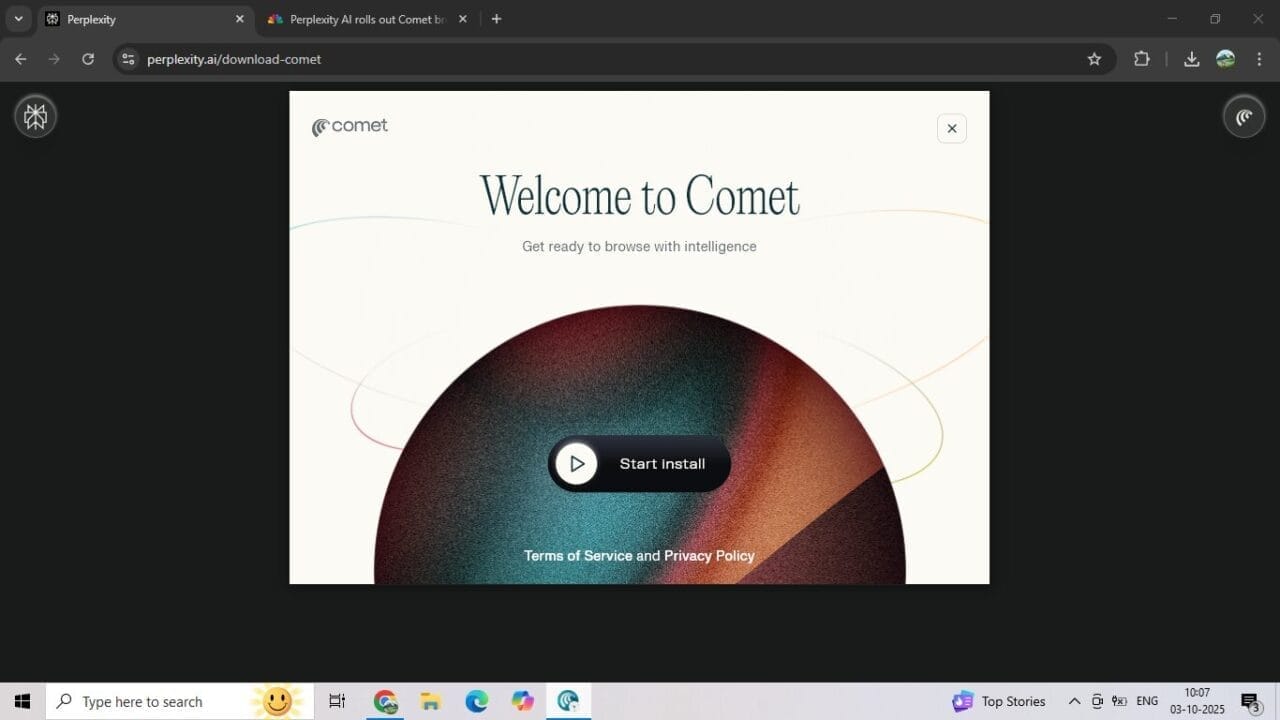
Installing Comet is quick and straightforward. Here’s a step-by-step guide (screenshots can be inserted for each step):
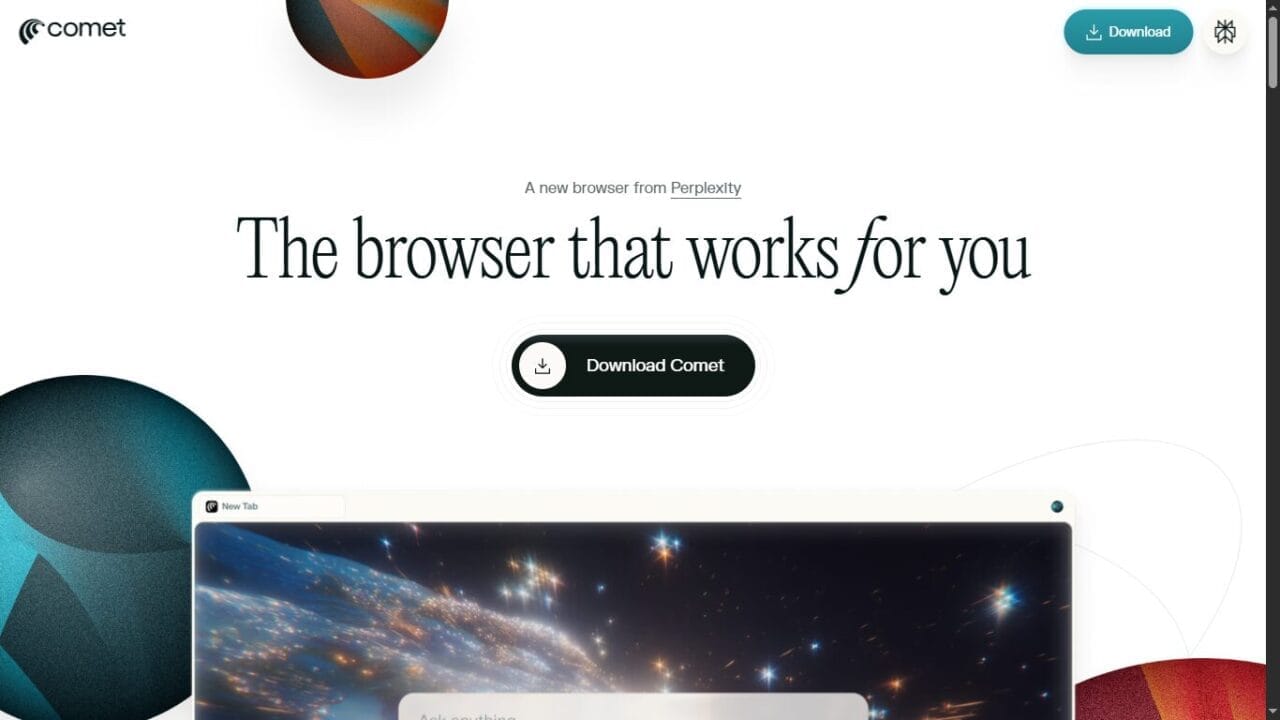
Open Perplexity Comet Website
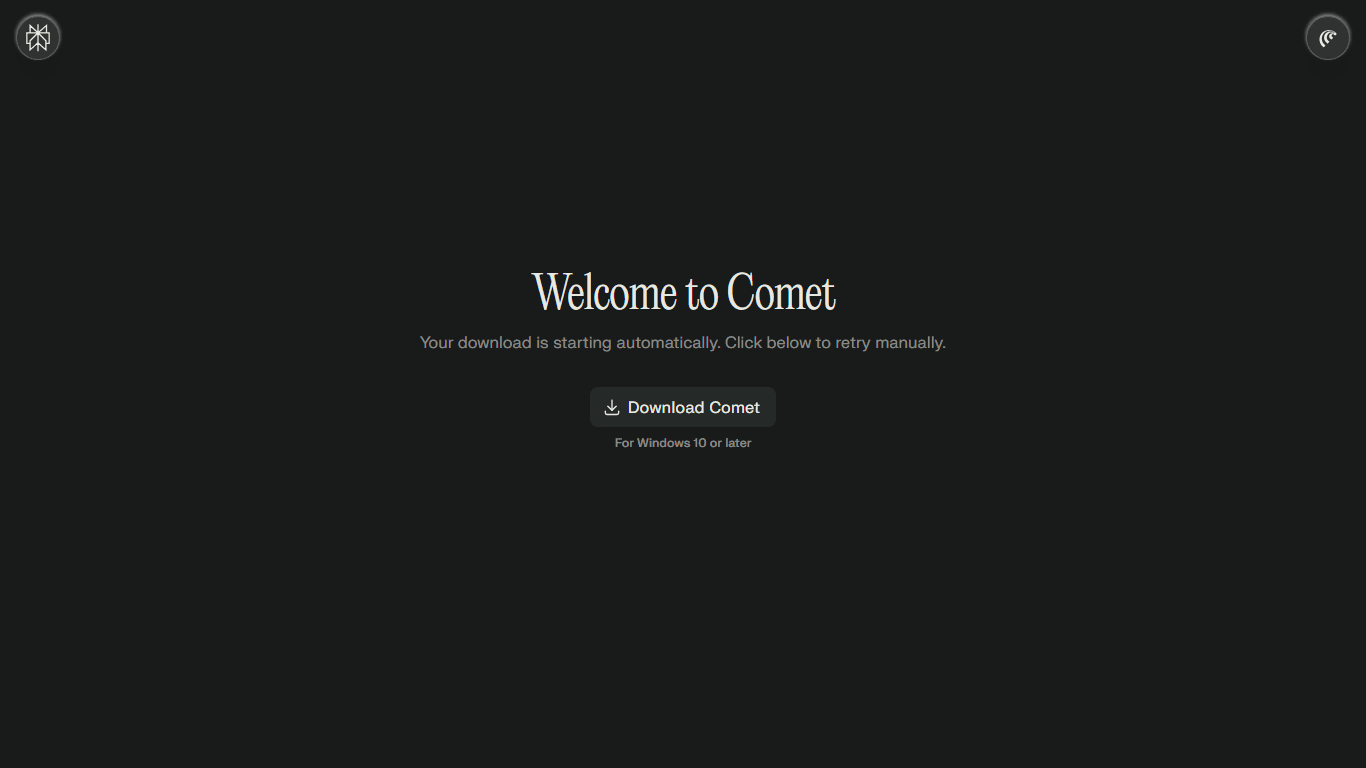
Visit the official Comet browser page.Download the Browser
Click the download button for your operating system (Windows, macOS, or mobile).Run the Installer
Once the installer file is downloaded, click to start installation.Complete Setup
Enter your username and choose an avatar
Select preferences like:
Set as default browser
Add to taskbar
Launch at startup
Click “Begin” to finalize setup.
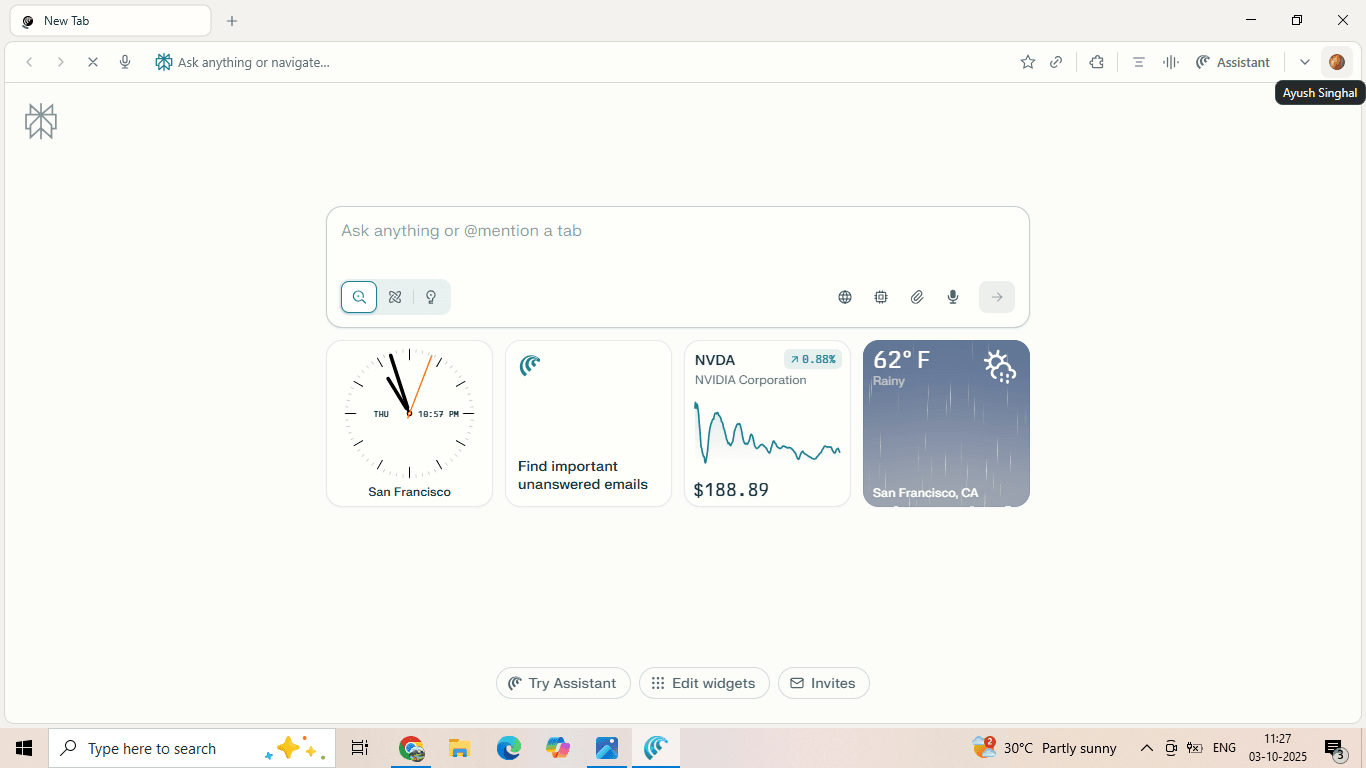
Start Browsing with Comet
The browser launches, ready to act as your personal AI-powered assistant.
Final Thoughts
The launch of Comet as a free global browser marks a bold move by Perplexity in the AI race. With its blend of task automation, premium content partnerships, and intelligent browsing tools, Comet is positioning itself as a strong challenger to the likes of Google Chrome, OpenAI, and Anthropic.
For users, the upside is clear: a powerful AI browser, free of cost, with future updates that could make online browsing smarter than ever.
If you’ve been curious about AI-powered browsing, now is the perfect time to try Comet.
Frequently Asked Questions (FAQ) About Perplexity’s Comet Browser
1. What is Perplexity Comet Browser?
Answer: Comet is an AI-powered web browser developed by Perplexity AI. Unlike traditional browsers, it acts as a personal assistant—helping users search the web, manage tabs, draft emails, shop online, and perform background tasks automatically.
2. Is Comet Browser free to use?
Answer: Yes. Originally priced at $200/month for Perplexity Max customers, Comet is now available globally for free, making it accessible to millions of users.
3. How is Comet different from Google Chrome or Safari?
Answer: While Chrome and Safari are standard browsers, Comet integrates AI directly into the browsing experience. It can automate tasks, summarize information, organize your workflow, and even work in the background—something traditional browsers don’t natively offer.
4. Can I install Comet on my smartphone?
Answer: Yes. Perplexity has released a mobile version of Comet, so users can install it on smartphones and tablets, just like on desktop devices.
5. Does Comet Browser work offline?
Answer: Currently, Comet requires an internet connection for AI-powered features like search, drafting, and background tasks. However, standard browsing and offline storage may still work similar to other browsers.
6. Who are Perplexity’s publishing partners?
Answer: To provide users with trusted, high-quality content, Perplexity has partnered with CNN, Condé Nast, The Washington Post, Los Angeles Times, Fortune, Le Monde, Le Figaro, and more under its Comet Plus program.
7. How do I install Comet Browser?
Answer:
Visit the official Comet download page.
Download the installer for your device (Windows, Mac, or mobile).
Run the installer and set up your username, avatar, and preferences.
Select options like “Set as default,” “Add to taskbar,” or “Start at login.”
Click Begin and start browsing with Comet.
8. Does Comet Browser collect my data?
Answer: Perplexity has not publicly disclosed detailed data policies for Comet yet, but given its partnerships with publishers and focus on AI tasks, it is expected to follow standard privacy practices. Users should check the official Comet privacy policy before heavy use.
9. What is the Background Assistant feature?
Answer: Background Assistant is a multi-tasking AI tool inside Comet. It allows the browser to perform multiple tasks at once—like drafting emails, organizing notes, or summarizing articles—while you continue browsing or doing other work.
10. Can Comet replace my existing browser completely?
Answer: Yes, Comet can be set as your default browser. However, since it’s relatively new, some users may still prefer to keep Chrome, Firefox, or Safari for certain extensions or workflows while experimenting with Comet’s AI-powered features.
Disclaimer
The screenshots used in this article (including Aravind Srinivas’s X post and Comet installation steps) are for illustrative and educational purposes only. All rights belong to their respective owners — Perplexity AI and the mentioned platforms. We do not claim ownership of these visuals.
Trending

Ayush Singhal is the founder and chief editor of TechMitra.in — a tech hub dedicated to simplifying gadgets, AI tools, and smart innovations for everyday users. With over 15 years of business experience, a Bachelor of Computer Applications (BCA) degree, and 5 years of hands-on experience running an electronics retail shop, Ayush brings real-world gadget knowledge and a genuine passion for emerging technology.
At TechMitra, he covers everything from AI breakthroughs and gadget reviews to app guides, mobile tips, and digital how-tos. His goal is simple — to make tech easy, useful, and enjoyable for everyone. When he’s not testing the latest devices or exploring AI trends, Ayush spends his time crafting tutorials that help readers make smarter digital choices.
📍 Based in Lucknow, India
💡 Focus Areas: Tech News • AI Tools • Gadgets • Digital How-Tos
📧 Email: contact@techmitra.in
🔗 Full Bio: https://techmitra.in/about-us/